
 Highlighting the creative magic behind post-processed photos
Welcome to ABFriday’s monthly One Photo Focus! This month, 24 different photographers are sharing their post-processing interpretations of one “before” image submitted by Cee Neuner of Cee’s Photography. Opening each was like building an Easter Basket one goodie at a time (and there are some images here definitely in keeping with this season!).
We begin with Cee’s “before” image, followed by the “afters,” and at the end, a gallery of all so you can watch the changes as you scroll through. Be sure to click the links to each participant’s blog as many have written posts “uncovering the magic” behind their “after” images. And if you would like to participate in May’s One Photo Focus and/or ABFriday in general, you’ll find all the details on the After-Before Friday Forum page. Come along and join us – the more, the merrier!
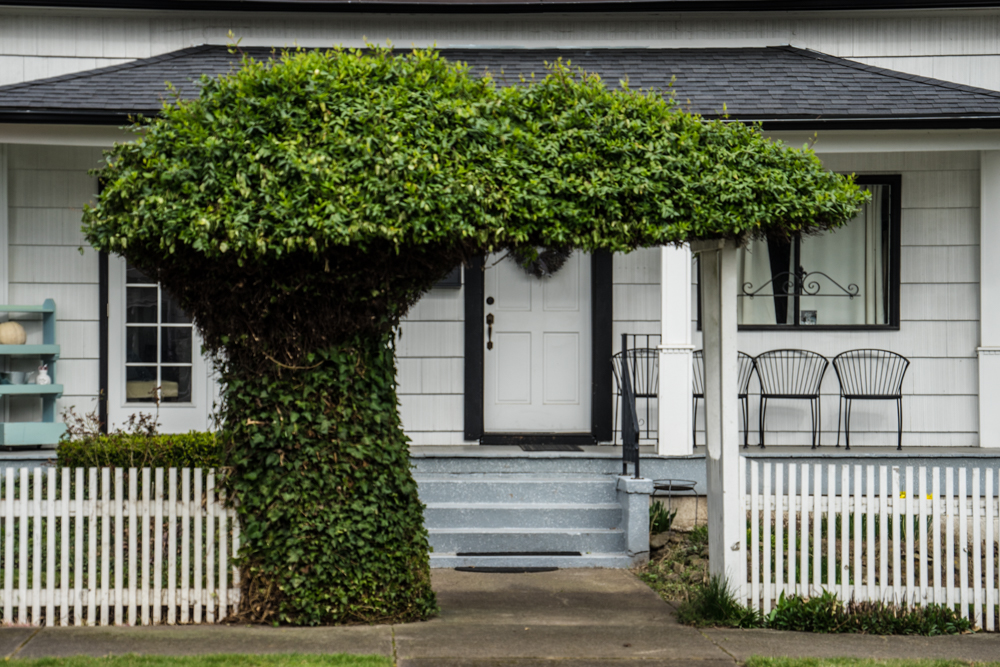
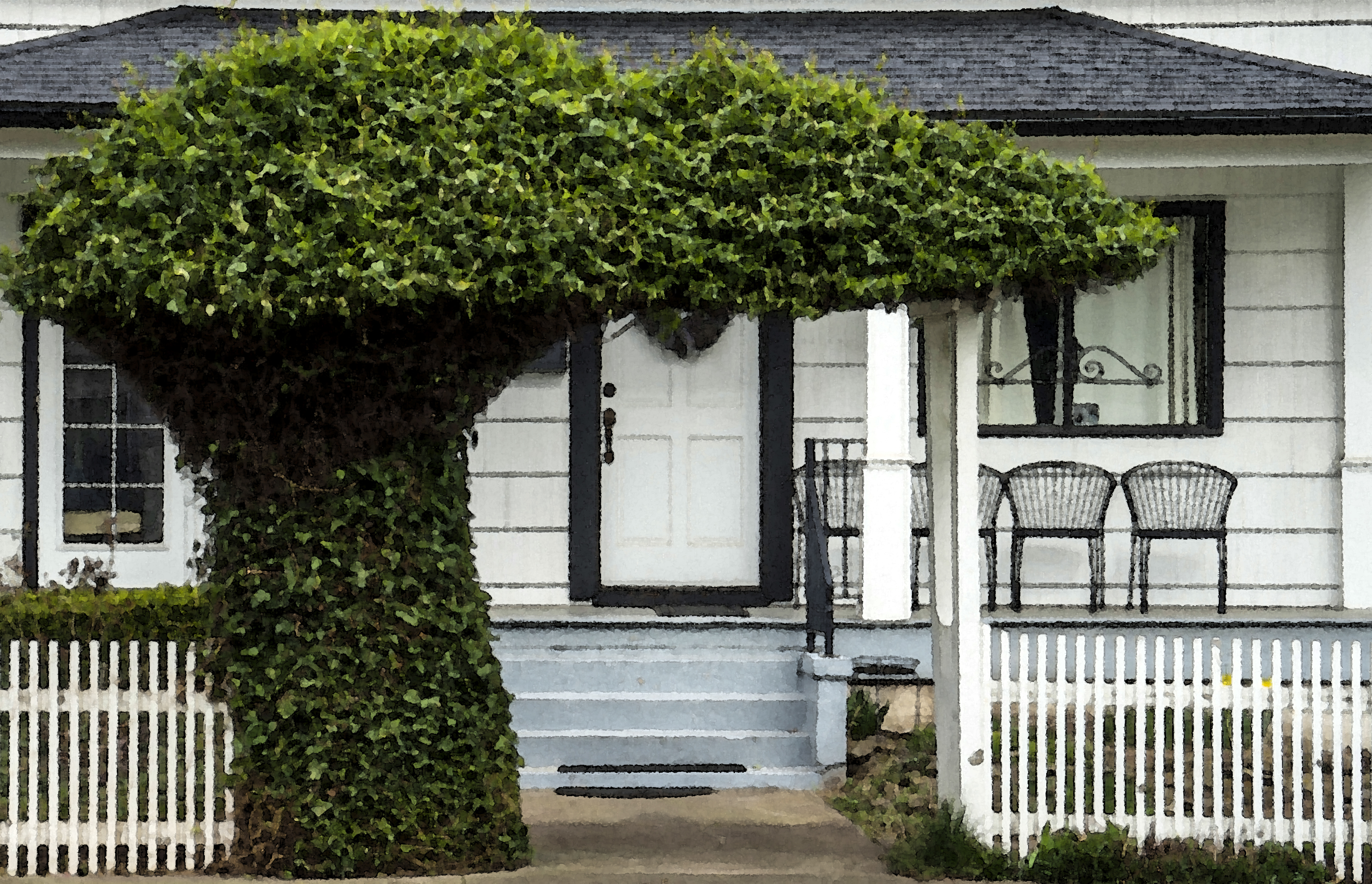
Submitted by Cee Neuner — Cee’s Photography
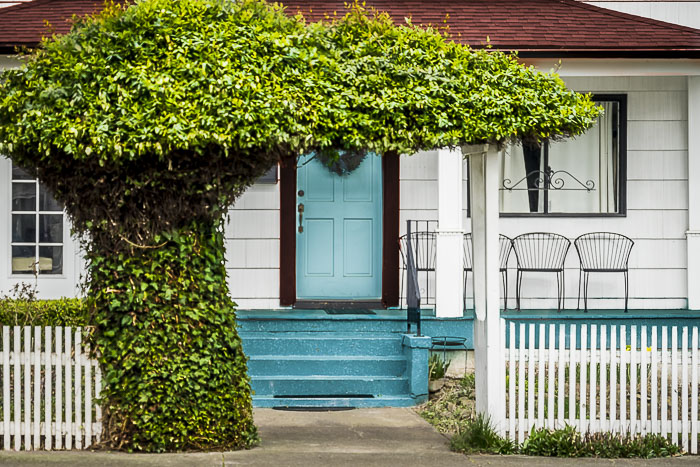
Cee says: When I took this photo, I just thought it would be cool for my Odd Ball Challenge. The tree making a little arbor over the walkway to the house I thought was unique. So I really didn’t have anything super in mind regarding editing it. I did decide I wanted to add more color. I felt it needed a punch of something. I know red is the brightest contrast to green, but I didn’t want to use red. Then I thought I have always liked blue and green together. So I chose to use some bluish-greens to add a little color to this photo. I turned the roof brown and did a little cropping as well. I hope you like what I did. I am looking forward to seeing what everyone does!
Submitted by Stacy Fischer — Visual Venturing
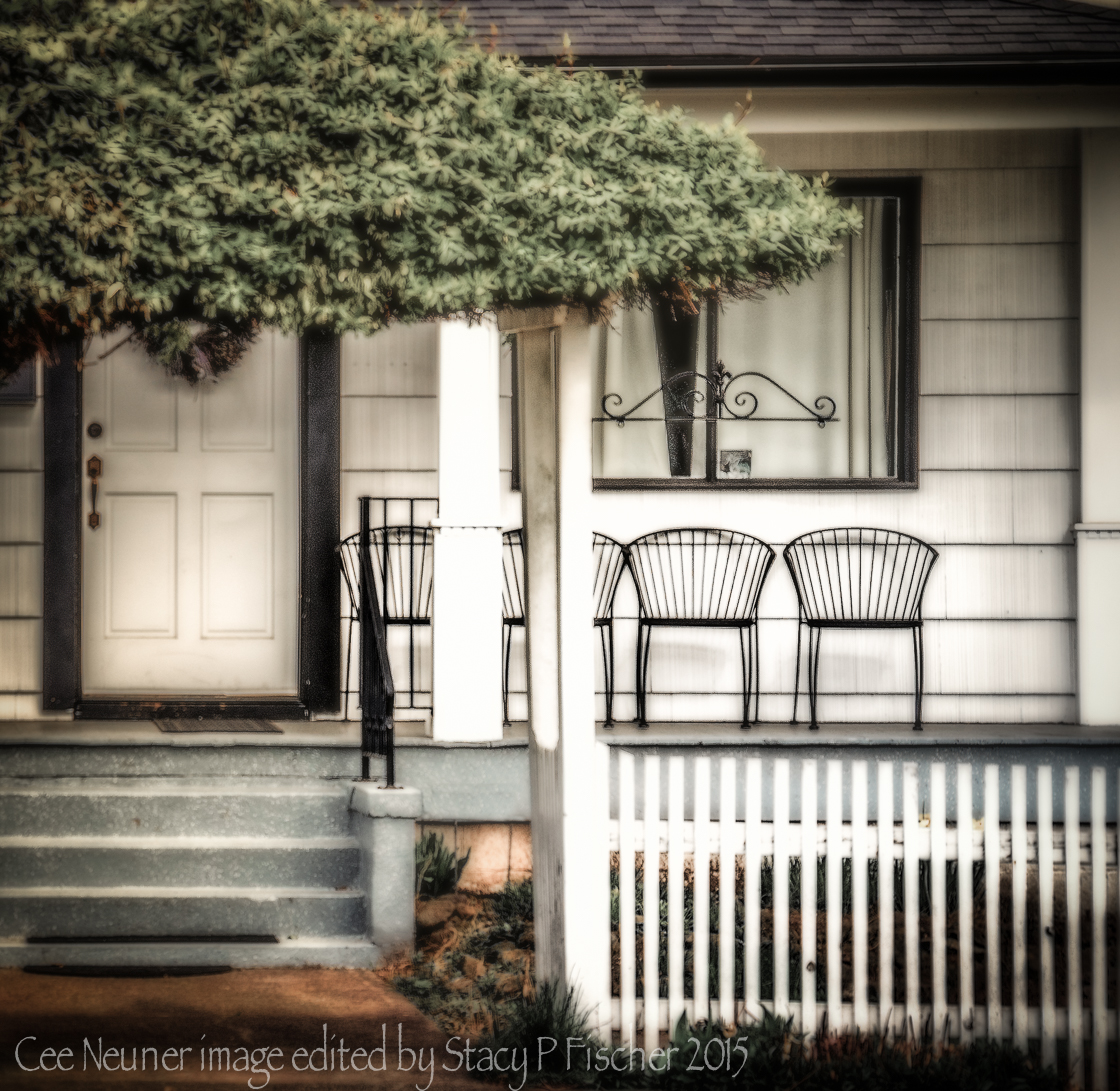
I love wrought iron. So when I saw Cee’s image, I knew I wanted to focus on the chairs, railing, and window decoration. How I processed the photo, however, was a convoluted journey between programs and countless adjustments! I began in Lightroom, then moved into the Google Nik Efex suite, using Sharpener, Viveza, and Color Efex Pro. Back in Lightroom, I then applied countless selective adjustments to bring clarity, brightness, and focus to the iron elements and reduce it in the rest of the image. I also used the spot removal tool to clean up the fence, the iron watchamacallit by the front steps, and some spots in the cement wall. When I was finally finished, I knew there was no way I could put together a cohesive video, so this week I’m just posting the final image.
Cee, I have to admit I voted for your barn image for this month, but I think I ended up having way more fun with this one — thanks for a great challenge!
Submitted by Robin Kent — PhotographybyKent
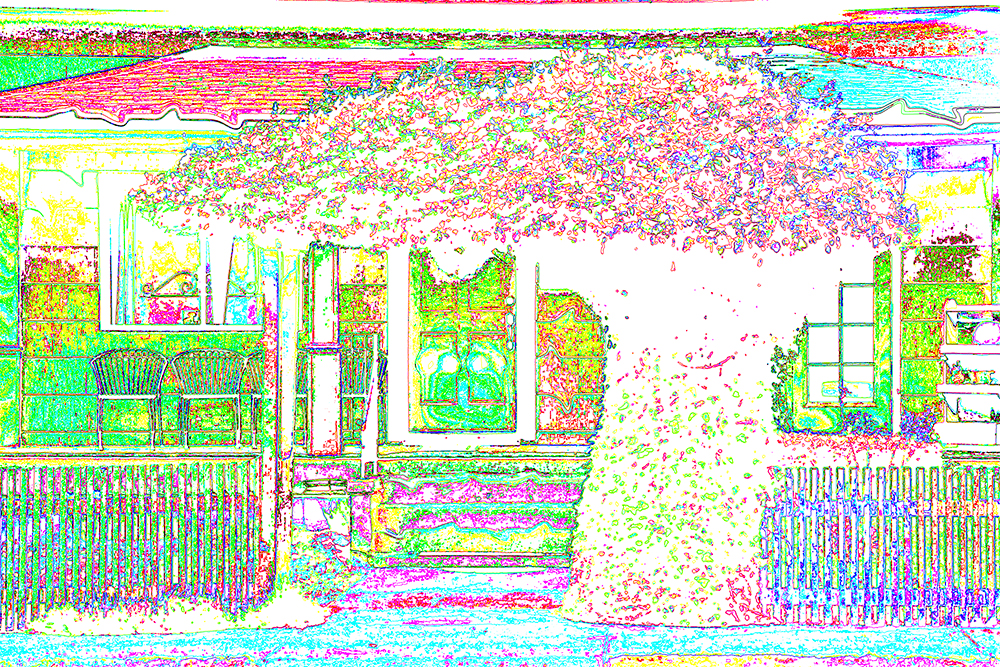
Robin says: This is the week that everyone gets to perform surgery on the same image, but because we have surgeons with different specialties (e.g., neuro, thoracic, ophthalmological, maxillofacial, etc..) the results are likely to vary. Given we are just a couple days past my favorite day of the year, I decided to follow a slightly different path this time. For details, check my post here. Warning, a pop quiz may be involved, but if so, it will be voluntary.
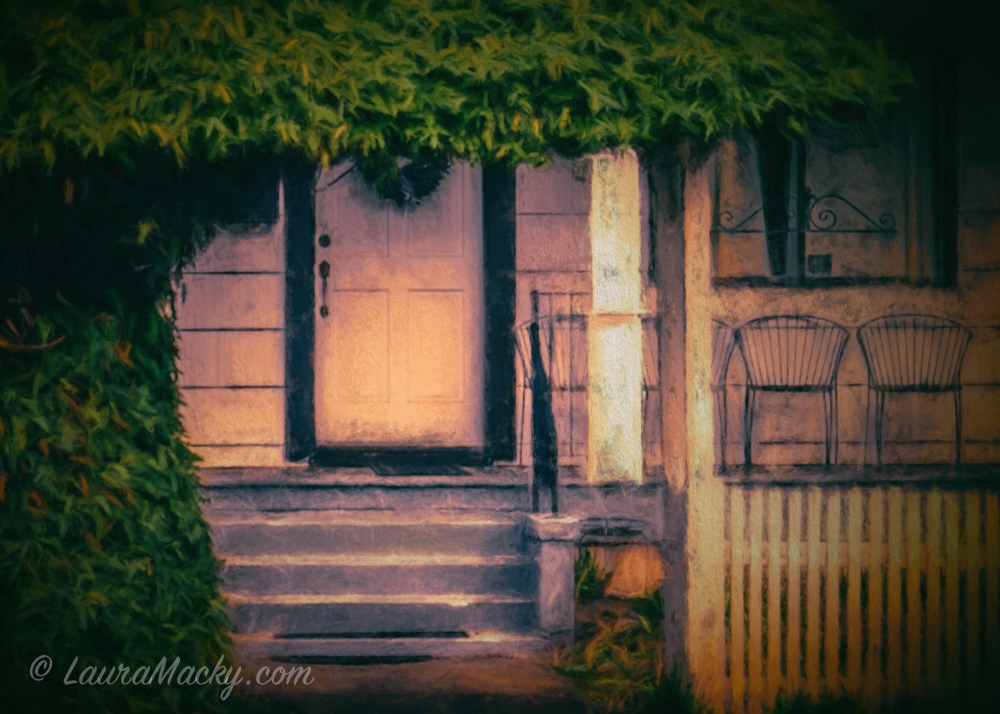
Submitted by Laura Macky — Laura Macky Photography
Submitted by Katie Prior — Drawing with Light
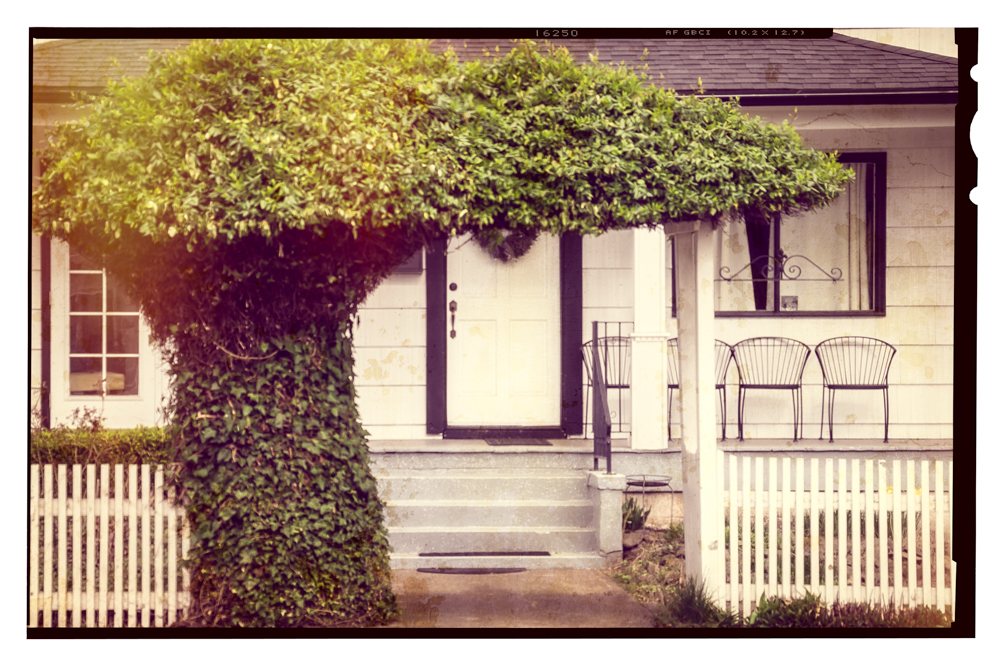 Katie says: Cee has given us with a really nice image of a porch set out for a relaxing afternoon with chairs on the front. I find this image very charming and I could envisage it as an old photo from the early days of colour family snaps. I wanted to warm up the picture and then try to age it a little by playing with filters and textures.
Submitted by Michelle Lunato — Michelle Lunato Photography
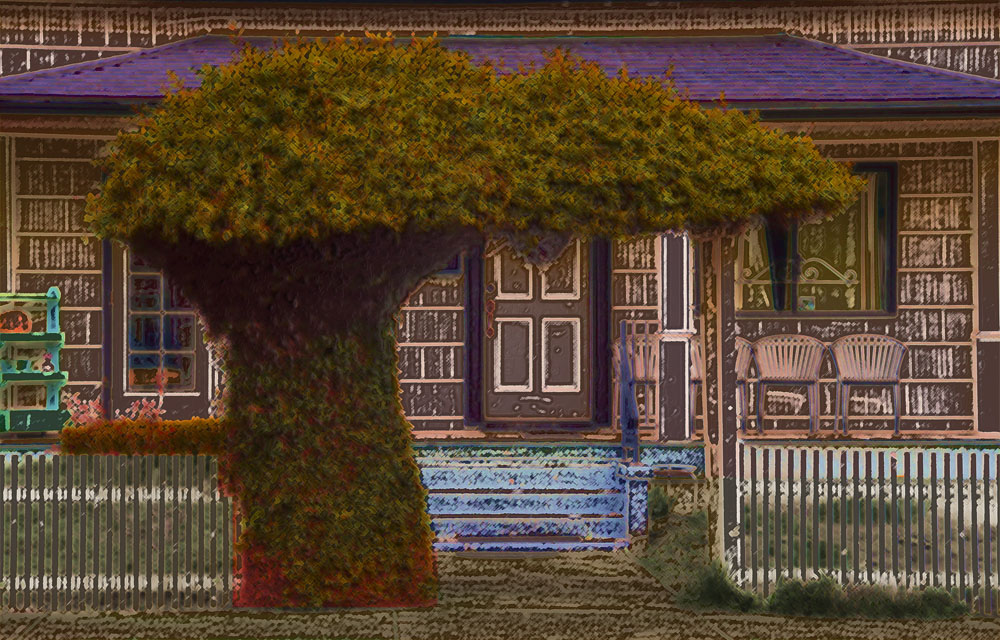
Submitted by Nic Anderson — Photography by Nic

Nic says: Ok, I’m thinking that once you see what I have done you will all think I’ve lost my mind. Especially since it is April not October. But I have to say that the greenery was just asking to be made into a monster with glowing eyes! Plus Halloween is my favorite holiday, so there’s that.
Submitted by Klara — Sliku svoju ljubim II
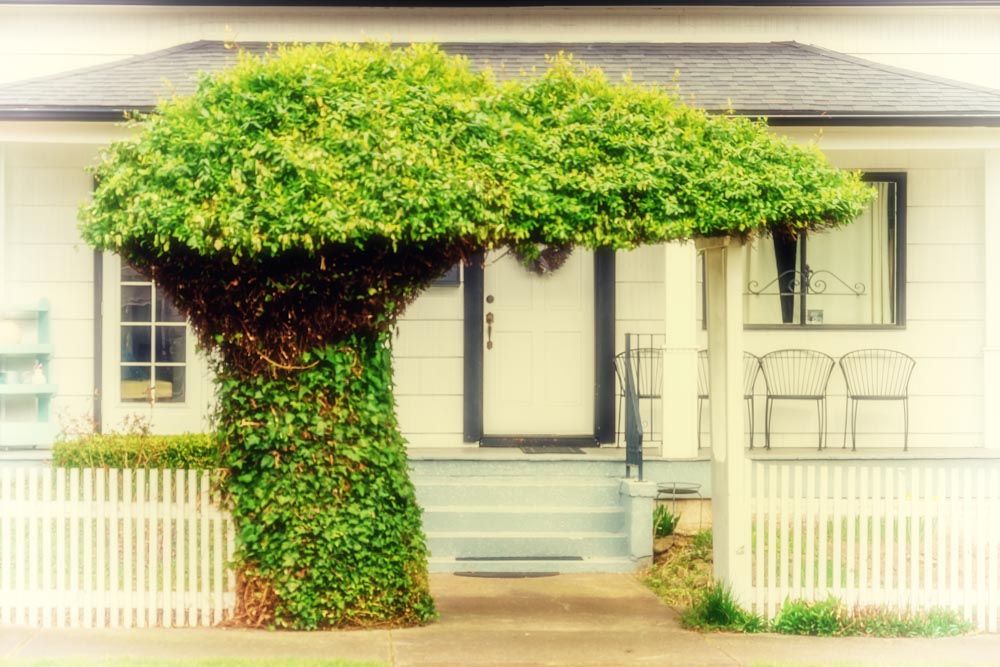
Klara says: I started editing in LR enhancing the contrast, clarity, blacks and whites, vibrance. I continued in Color Efex Pro 4, adding 4 filters (brillance/warmth, classical soft focus, cross processing and vignette lens.)
Submitted by Julie Powell — Photographic Jewells
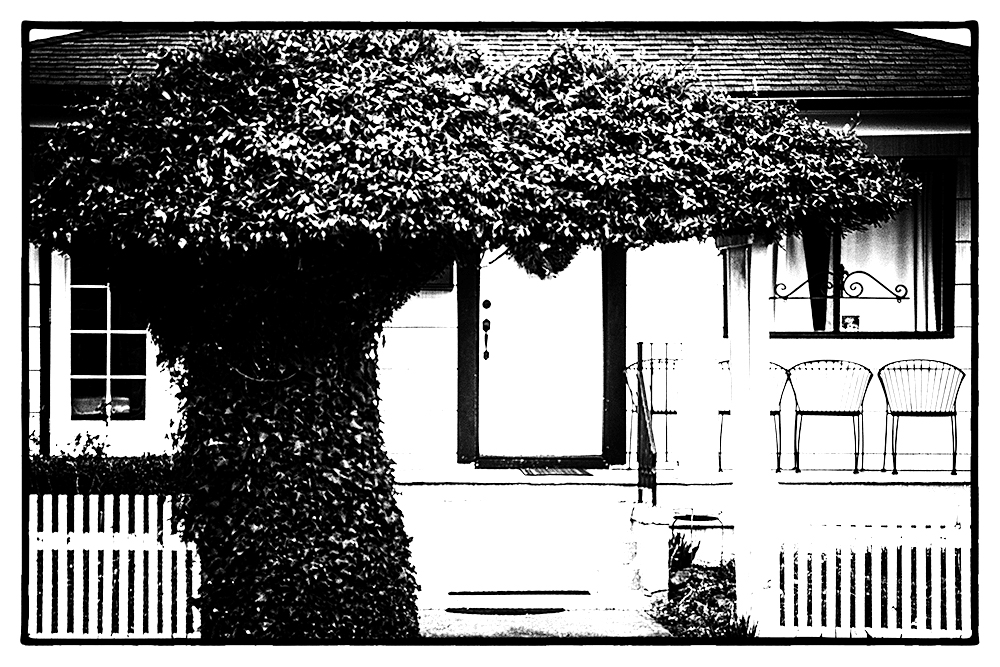
Submitted by Karen Chengelis — KCinAZ
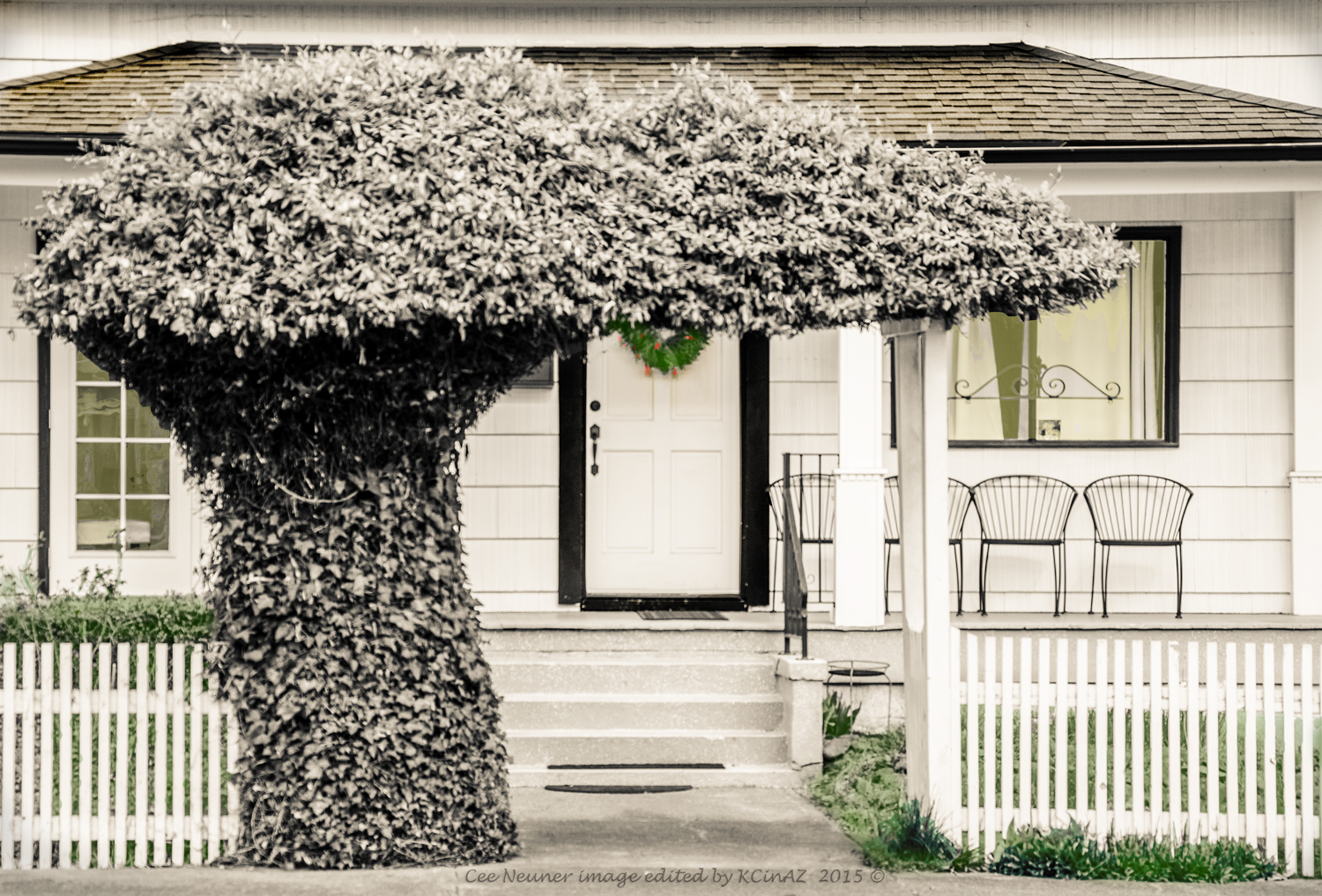
Karen says: Cee Neuner gave me a huge challenge on how to approach the image. I liked it a lot already in full color but since I’ve been wanting to do something with B&W, I decided to give it a try with this one. As usual, I was still second guessing myself as I sent the image to Stacy at Visual Venturing for April’s One Photo Focus. I started with Cee’s raw image in Lightroom to begin my editing. First the image was converted to B&W and then a temperature adjustment of Creamtone along with playing around with the basics until I was happy. Definition of happy is that I didn’t start over. Then into Photoshop where some coloring was done. A yellow cast with a low opacity was added to the windows. Then the grass and vegetation was colorized with a low opacity green. Then I noticed what might be a wreath on the door and colorized it as well with standard green and red. I purposely left the main tree alone. Go figure? Well, there you have it. Thanks, Cee, for such a great image and for helping me step outside the box. To read more detail visit KCinAZ.
Submitted by Marsha Leith — CoolQuilting
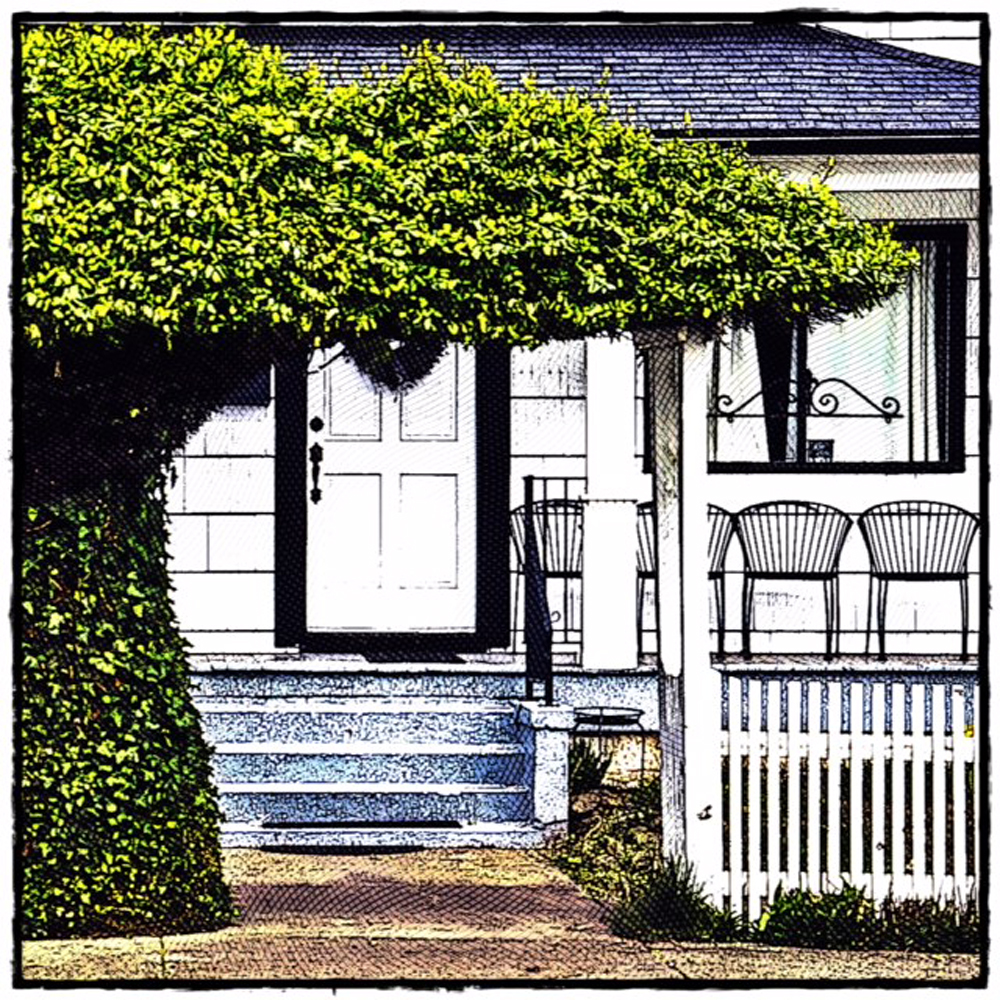
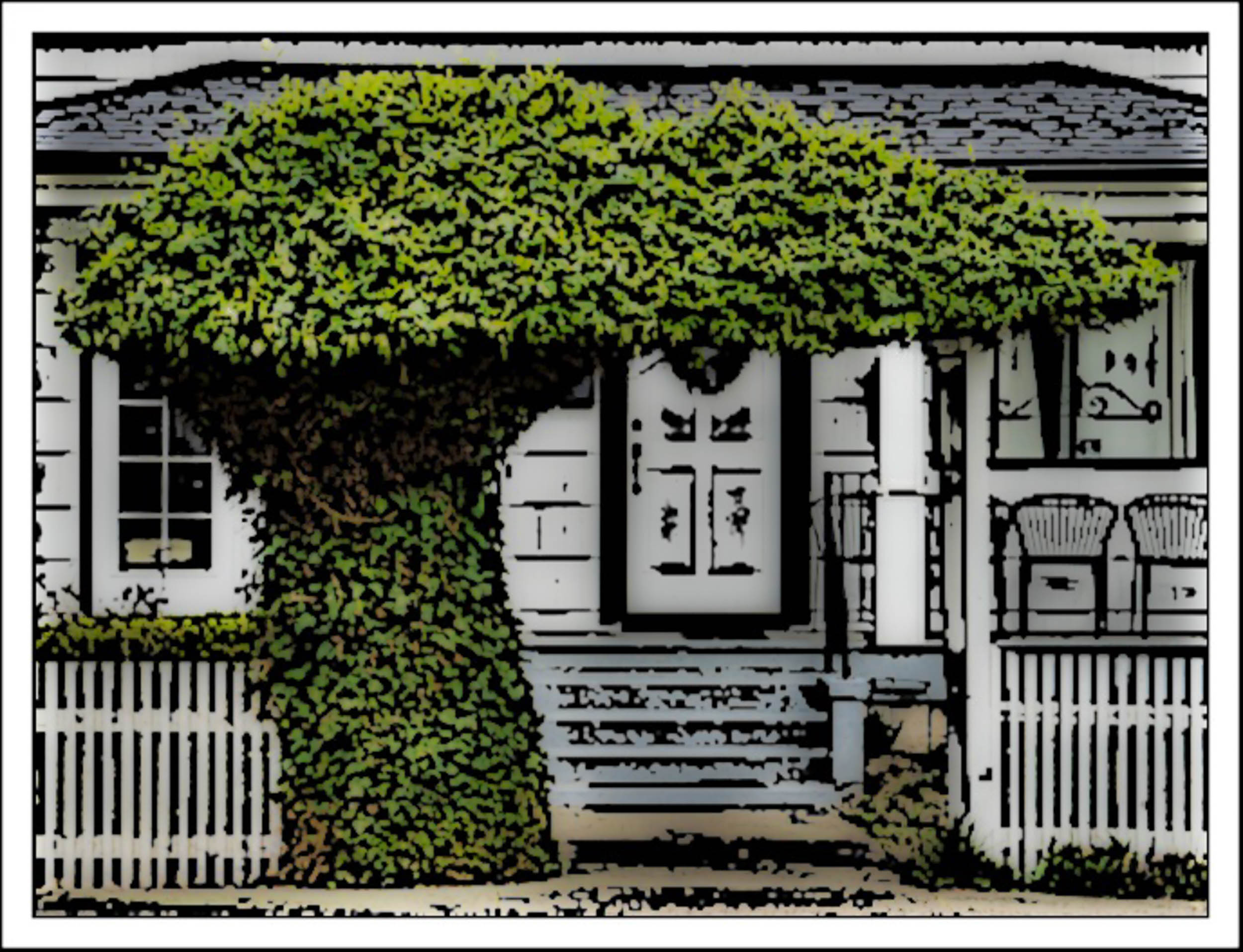
Marsha says: Playing with a new app “Etchings” for this photograph re-do.
Submitted by Sabina — Victim To Charm
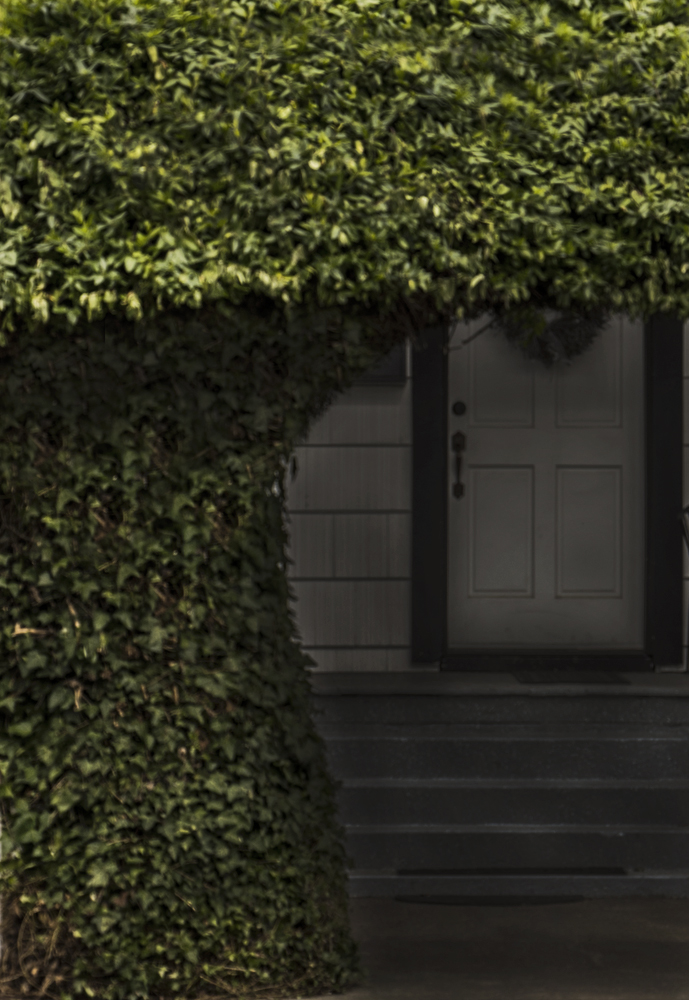
Sabina says: No post for me this time, but here’s a bit about my thought process. When I first saw Cee’s photo, I immediately knew what I wanted to do to it. I went into Photoshop and started by cropping to include just the tree and the door underneath, as if stumbling upon a witch’s house in a forest. I added a bit of a sepia filter, used selective color to make the greens much more magenta, and “burned” the whole image to give it the shadowy, ominous feeling I was going for.
Submitted by Raewyn — decocraftsdigicrafts
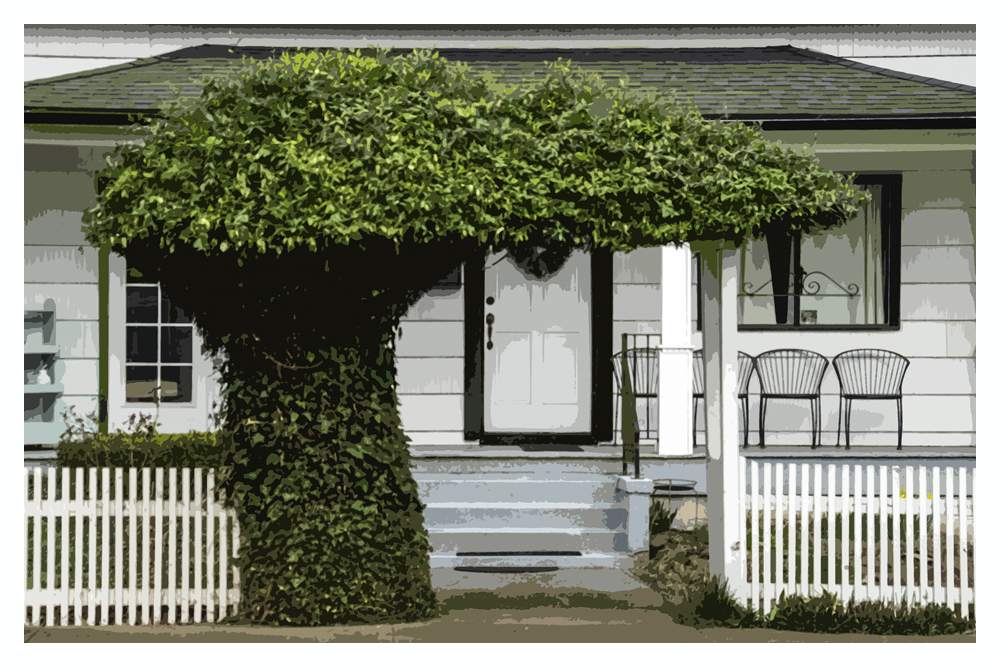
Submitted by Anne-Cécile — UnClicUnePhoto
Submitted by Helen Chen — HHC Blog
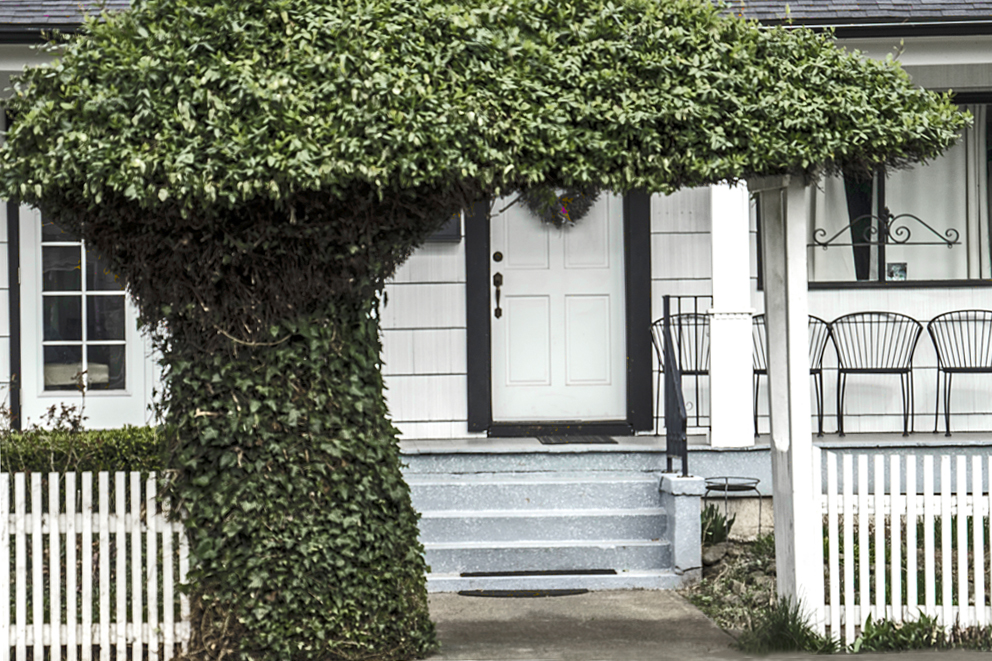
Helen says: Since I had “played” so much with this photo, I couldn’t remember all the things I have done. I cropped and straightened the horizontal line. When I played with color, I was surprise to see the decoration (a little red spot) on the wreath. I used PhotoShop Element.
Submitted by Lynne Ayers — Beyond the Brush Photography
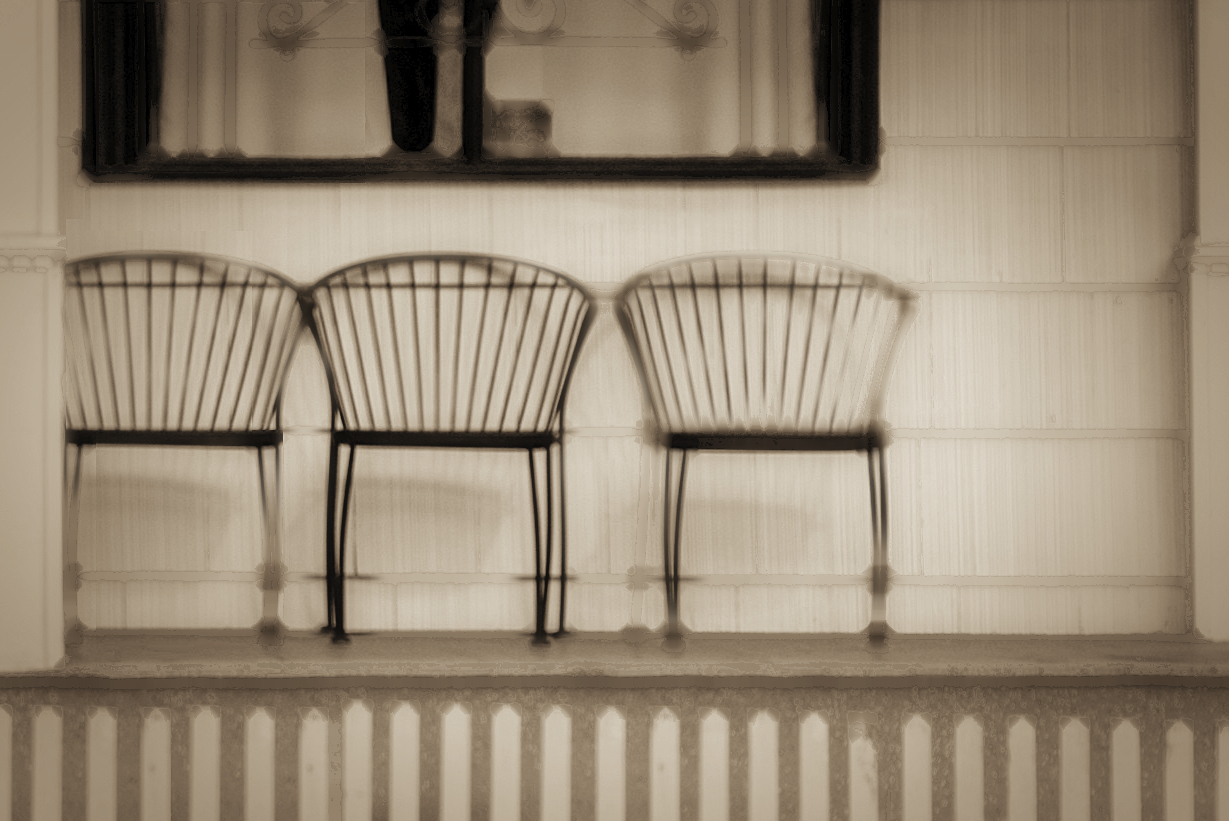
Lynne says: Biggest decision was deciding what to focus on in the image and I decided for the porch.
Submitted by Mary Hone — Tales from the Backroad
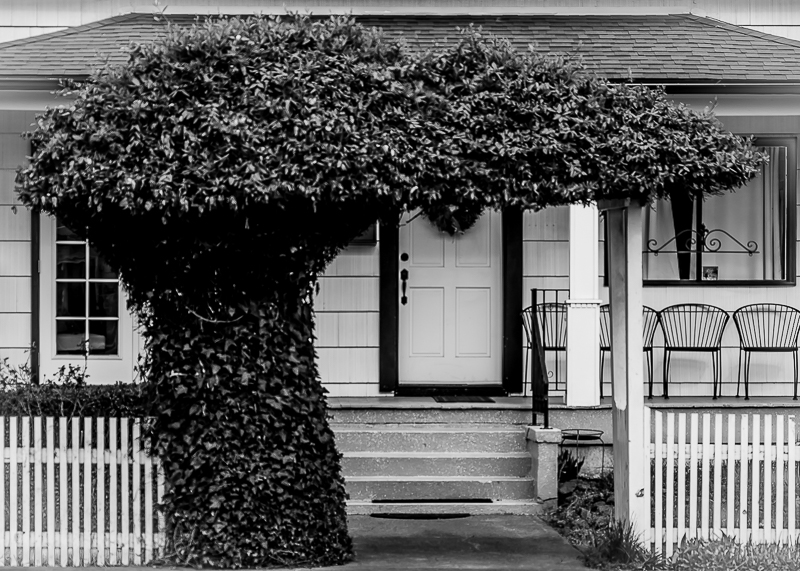
Submitted by Jaime Perez — My Photolanguage
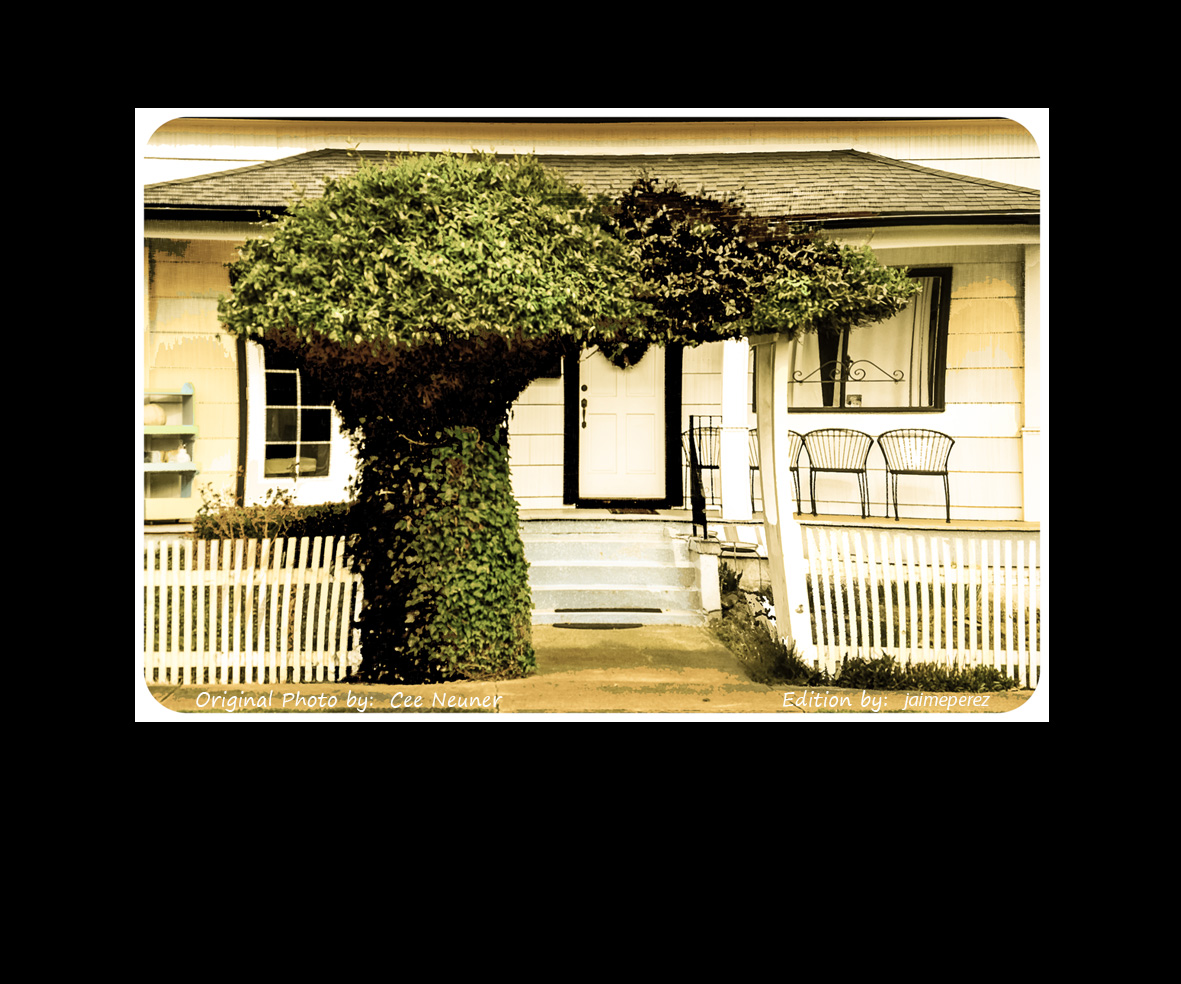
Jaime says: This time, I find this beautiful image, from Cee Neuner, totally out of focus; so, with not much to do about it, I decided to give the photo a more dramatic appearance. I used some color desaturation and filter effects, in Ps Cs3, to make the image look like old and damaged by the passage of time.
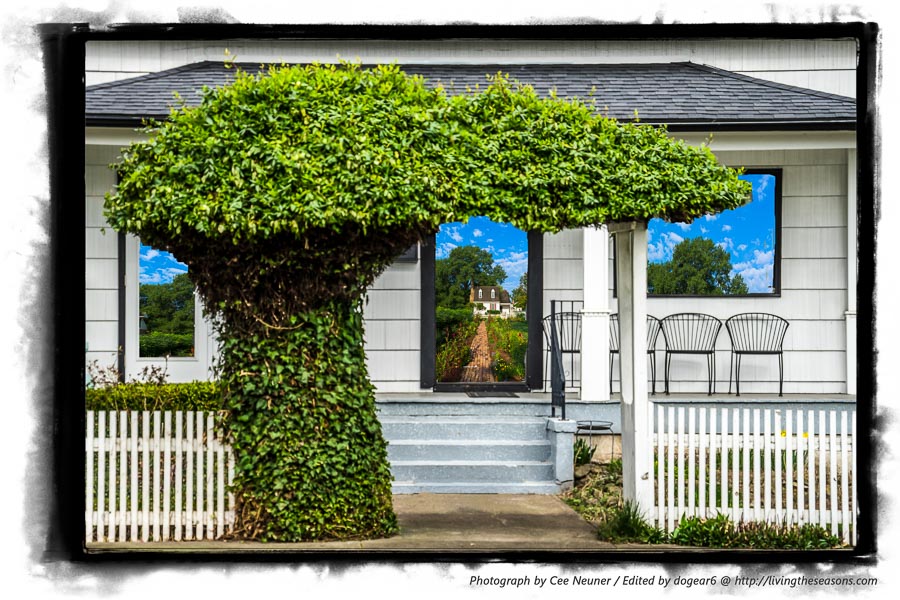
Submitted by Nancy / dogear6— Living the Seasons
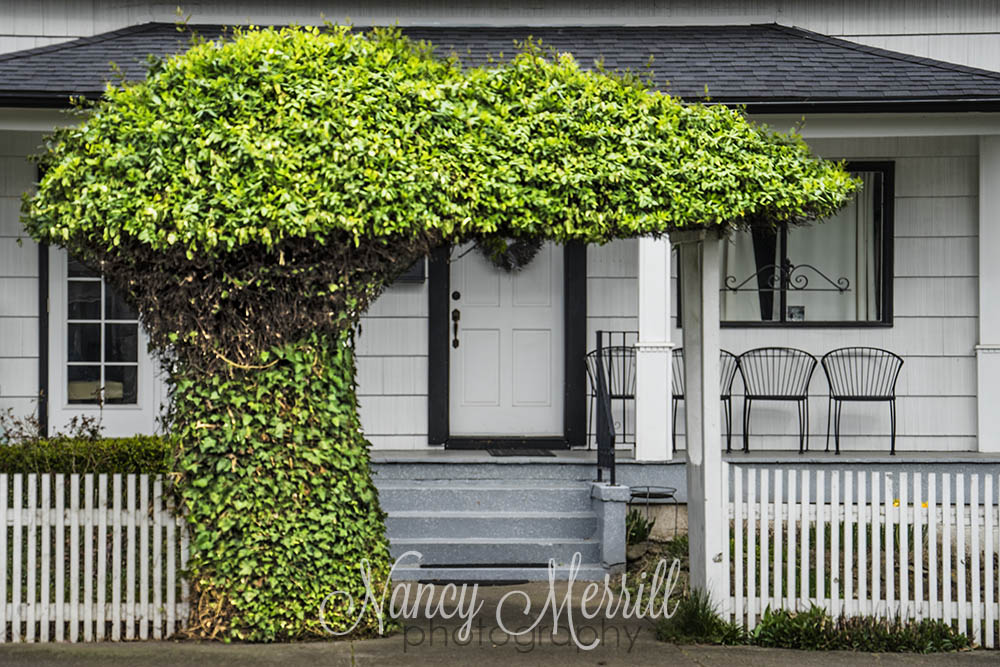
Submitted by Nancy Merrill – nancy merrill photography
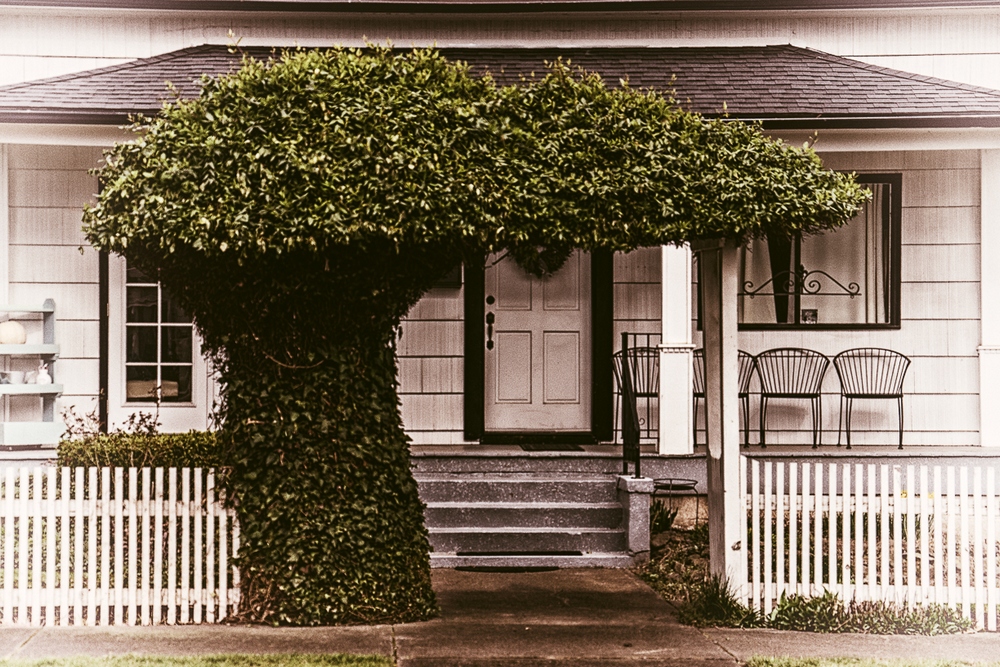
Submitted by Max 510 — Max510’s Blog
Submitted by Loré Dombaj — Snow’s Fissures and Fractures
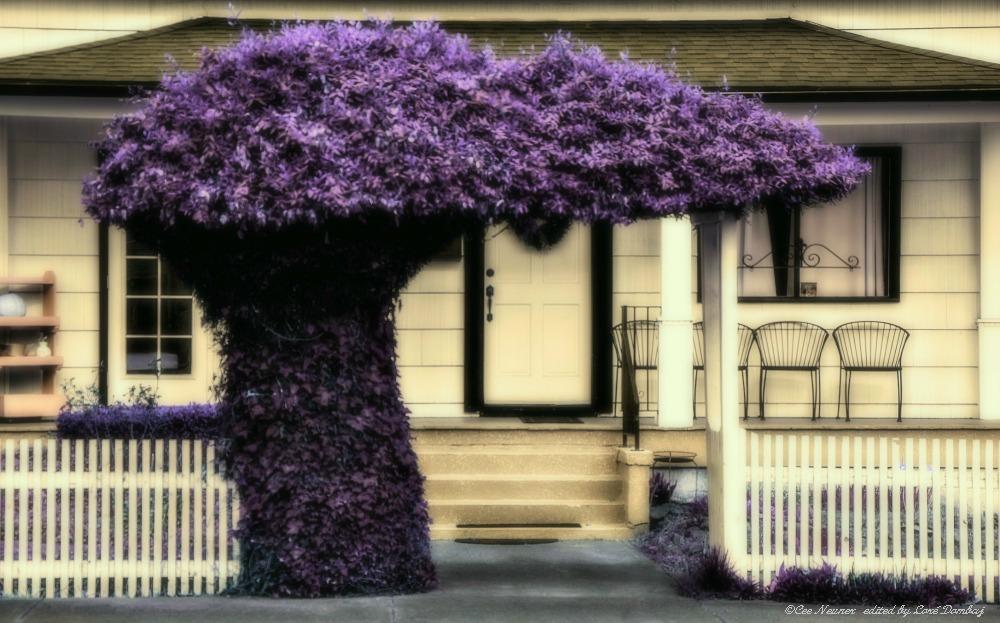
Loré says: Let me tell you, I am in love with Cee’s image. It has an exceptional composition, I see a story in the background. I knew I wouldn’t do much here, just a little bit of cropping on top and bottom, to set it more nicely. But I wanted to make it my own, so I played with colors. Once I got this combo of lavender and beige, I was doubly in love. I softened the image to give it a dream-like quality and that was it. But, I couldn’t stop playing with this image and you can see what I did next in my post.
Submitted by Benjamin Rowe — Aperture64
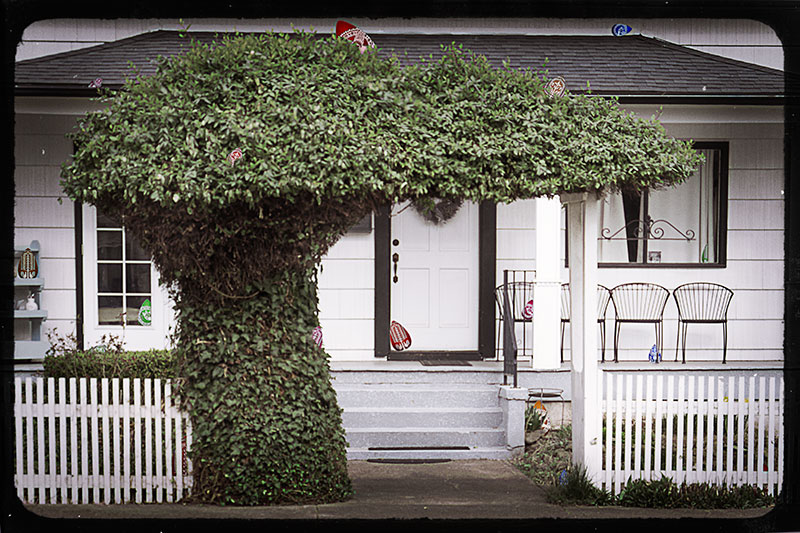
Ben says: I have hidden eggs in the picture especially for easter, Hope everyone enjoys a digital easter egg hunt.
Submitted by Janice Meyers Foreman — jmeyersforeman photography


Please click on the links of those who contributed this week, to read about their post-processing steps and/or to see what other treasures they have on their blogs. They’d love to have you visit!
So what do you think of the ABFriday forum?
Feel free to leave your thoughts and suggestions in the comment section. And don’t forget to view the guidelines if you want to participate. I’d love to have you onboard!
 Visual Venturing
Wow! So many artistic visions and all of them pretty amazing. Art is so much what you bring to it.
LikeLike
I so agree, Lisa! That’s what I love about this challenge 😀
LikeLike
As usual, I’m amazed the different results that you can get from one image. There is never just one interpretation … which gives me inspiration!
LikeLike
Different creative visions certainly do make the world go ’round, don’t they? I love when I open up a submission and see something I never would have thought of in a million years 🙂 So much fun!
LikeLiked by 1 person
I also love how there are so many different versions…from black and white to purple to psychedelic…with Halloween and Easter themes too!
LikeLike
🎃🐰 Me too 😄
LikeLike
Yes English is my first language. Sheesh! I just saw what I wrote on my iPhone earlier. I meant to say that I like your crop better. And now that I have a keyboard….I love your edit Stacy. 🙂
LikeLike
LOL, Laura 😀 No worries, I got it 😉 And thanks so much!
LikeLiked by 2 people
Great work from everyone, they all look wonderful. Sorry I didn’t get to participate this month!
LikeLike
We missed you, Desley, you busy lady!
LikeLiked by 1 person
Next time!! X
LikeLike
😀
LikeLiked by 1 person
Love the variety of entries… I think it’s time i sum up the courage to take part… It’s safe to be watching from the sidelines, but would be fun to play!
LikeLike
Would LOVE to have you join us, Chris! I’ll be happy to add you to my email list so that you get the download links and all the information for May’s photo once it’s unveiled 😀 Just let me know to what address you’d like me to send it. (And no pressure – if you decide you don’t want to/don’t have the time come May, no worries 😀)
LikeLike
Thanks Stacey – i need the extra push😊,so yes if you can send me the link to chrisandwade@netspace.net.au
LikeLike
I’ve got you now 😉
LikeLike
I love your version…especially all the details in the foreground with the soft browns and the light.
LikeLike
Thanks so much for that, Marsha. I wasn’t really feeling the colors of the original, so I went with something more unsaturated 🙂
LikeLike
Wow, Stacy (& Cee) – I am amazed at the imaginations that ran wild with this photo. What a bunch of creatives! I found this picture really hard for envisioning a change, yet every edit makes sense to me (now).
Stacy – I totally sympathize that you weren’t able to record how you did it this month. I had the same problem, plus I floundered around so much that no one would follow it anyhow. By the time I got to the final try, I had it down quite a bit more, but I still have to play with it more to be sure I can remember it. Plus the next morning, my husband showed me some other ways to do the masking that would have been much faster. Still, it’s always fun to learn new skills.
Thanks for another great month of fun with this!
Nancy
LikeLike
Nancy, I can’t wait to read your post! I was so amazed by what you did 🙂 And thanks for understanding about the video. I was actually going to put together a slideshow of some of the intermittent changes, but my Lightroom history was two steps forward/three steps back, that even THAT wouldn’t have made any sense!
LikeLiked by 1 person
While my readers like to see how I put something together, they would have been totally confused watching me have not a clue as I would open, experiment, close but not save, then open again. I can do it pretty fast now, but it took about 4 hours to get to that point.
LikeLike
Then you done a great bit ‘o learnin’ there, Nancy 😉 And that’s awesome!
LikeLiked by 1 person
I love how holidayish some of these got! Loving everyone’s interpretations.
LikeLike
I know, wasn’t that fun, Sabina?? So glad you were a part of it!
LikeLiked by 1 person
Me too!
LikeLike
😀
LikeLike
Sabina, I forgot that you hadn’t written a post, so I’m going to comment here. I like the spooky, witch’s house feel you chose for your edited image. Cropping out the lighter, nicer elements of the house and focusing so narrowly on the shadowed path and doorway certainly convinces me not to walk up there 😀 Thanks so much for participating – always fun to have you aboard!
LikeLiked by 1 person
Thanks for your kind words & feedback, Stacy! I had a ton of fun with it and was super satisfied with the finished product so I’m glad you liked the motif too 🙂
LikeLiked by 1 person
👍👍👍
LikeLike
This is turning into quite an enterprise, I counted 25 entries! Can that be right? Very impressive efforts by everyone. I really liked the soft dreamy effect you achieved. If this rate of participation continues you may need to hire an assistant or two.
LikeLike
Thanks, Robin! This is my favorite part of ABFriday, and seems it is for others as well. So watch out, I may be knocking on your door in the near future 😉
LikeLike
Another interesting selection. I notice this time there are some similarities in people’s approach and a number of us chose a nostalgic approach, and yet, even with that, they are all different. Thanks for putting it together Stacy.
LikeLike
Thanks for participating, Lynne! It is wonderful to see how even little tweaks can change a photo, despite having the same overall approach.
LikeLike
This a such a fabulous ABF gallery! I’m so impressed and inspired by these creative photo editing works. Thank you, Stacy! 🙂
LikeLike
Thank you, Amy, for being an ongoing supporter of ABF! I have so much fun opening up the emails with the submissions. The line from “Forrest Gump” always runs through my head – “Life is like a box of chocolates; you never know what you’re gonna get.” 😀
LikeLike
I love the soft version you came up with. And again, What a bunch of fun edit by everyone. Thanks!!
LikeLike
Thanks, Mary! I just pushed and pulled sliders and effects globally until I found something I liked, and then worked selectively to make portions stand out. I really had a great deal of fun with this one 😀
LikeLike
Stacy, your edit is so dreamy looking makes me want to live in that house. Your worked with the my not so focused shot too. The chairs are interesting. I never thought of grabbing a photo of the chairs. I was just so excited to see the arbor for odd balls. I had driven past this house a thousand times and never noticed it before. 🙂
I really like all the edits from everyone. Some were quite creative too!!! Thanks so much for letting me take part and have everyone use my photo this month. It was fun and I’m sure today will be extremely fun going through everyone’s post.
I just bought the Nik Software package, so now I can play around easier, since I’m not a photoshop expert.
LikeLike
Thanks, Cee, for liking what I chose to do to your photo 🙂 Like I said, I love wrought iron, so it made it easier for me to choose a focus for the image. I hope you and Chris enjoyed viewing all the images on your Apple TV 🙂 And the Nik software is really much more intuitive to use than Photoshop. I know you’ll have a lot of fun with it!
LikeLike
Wow, I love all the interpretations of the picture, especially the more surreal and spooky ones 🙂
LikeLiked by 1 person
Isn’t Nic’s Halloween interpretation just a blast?? I just laughed out loud when I saw it – such an inspired choice 🙂 Thanks s much for viewing AND commenting!
LikeLike
Hi Stacy, it would appear that the One Photo Focus is growing! lots of great edits, and no two the same… love it. Your final image is wonderful and dreamy. I like the tight crop. Great work.
LikeLike
It IS a fun forum, isn’t it? It’s really my favorite part of ABFriday 🙂 And thanks for your nice comment about my post-processing choices – I couldn’t recreate it if I tried!
LikeLiked by 1 person
Funny how I like your crop. I think I might like you’re better. I love viewing everyone’s interpretations. I’ll check them out ore closely when I return. Being on the iPhone is too hard for these old eyes o.o
LikeLike
Our crops were pretty similar, Laura, I just cut out more of the tree as that wasn’t my favorite part of the photo. And I so hear you about viewing things on the iPhone 🙂
LikeLike
Yes they were. I actually like yours better. It’s a little less severe.
LikeLike
😊
LikeLike
Love the square crop! It works really well. Your version has got a lovely “glow” to it, I really like what you have done with it. 🙂
LikeLike
Thanks, Katie! Guess I was in an Instagram state of mind when I went for the crop 😉
LikeLiked by 1 person
Well Stacy that is a great crop of edits the forum has put forward. I love the softness you added to your version and as with some others the close crop works really well making the tree frame the image more.
LikeLike
Thanks, Ben. I’ve really learned from past ABFriday’s that the crop can be an invaluable friend in 1PF :). Now, I just read your comment on Robin’s post (after I had written mine – seems a few of us were posting at the same time there!) You, stumped? You must go and read what I said 😉
LikeLike
I will admit I am stumped bit because I don’t spend much time with the artistic filters. I took a good stab at it though.
LikeLike
Stacy, I love your edit on this. It is so dreamy and romantic. It makes me think there is some grand story behind that door:)
LikeLiked by 1 person
Aww, thanks, Michelle. I had a lot of fun with it!
LikeLiked by 1 person