 Highlighting the creative magic behind post-processed photos
Welcome to ABFriday’s monthly One Photo Focus! This month, we’ve hit a new record with 28 photographers, all of whom are sharing their post-processing interpretations of one “before” image submitted by Benjamin Rowe of Aperture64. I’m honored! And what fun everyone had with Ben’s image of Pendennis Castle in Falmouth.
We begin with Ben’s “before” image, followed by the “afters,” and at the end, a gallery of all so you can watch the changes as you scroll through. Be sure to click the links to each participant’s blog as many have written posts “uncovering the magic” behind their “after” images. And if you would like to participate in October’s One Photo Focus, you’ll find all the details on the After-Before Friday Forum page.
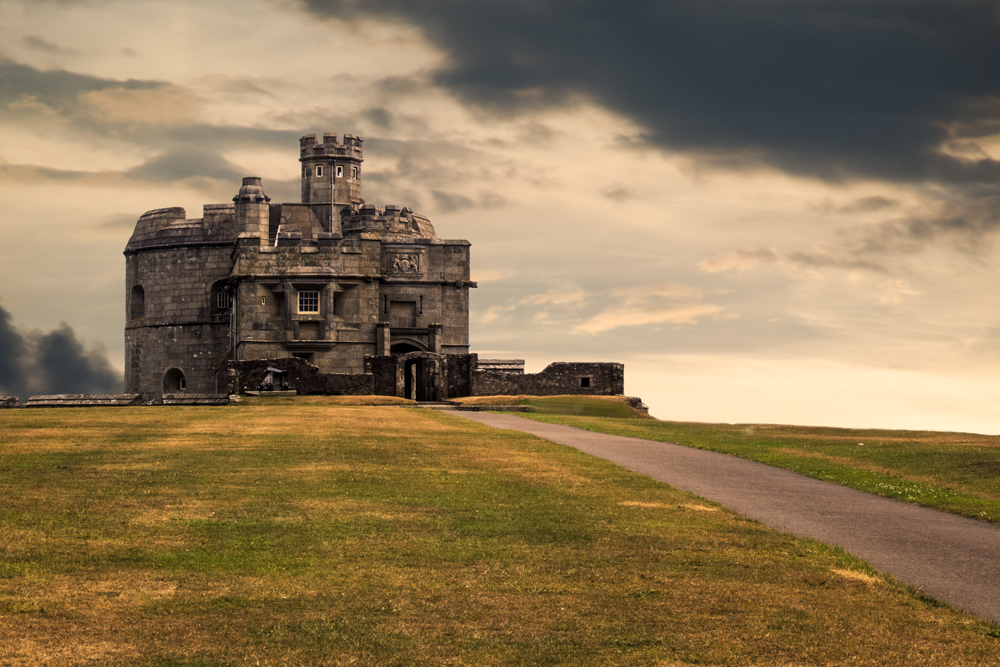
BEFORE PHOTO
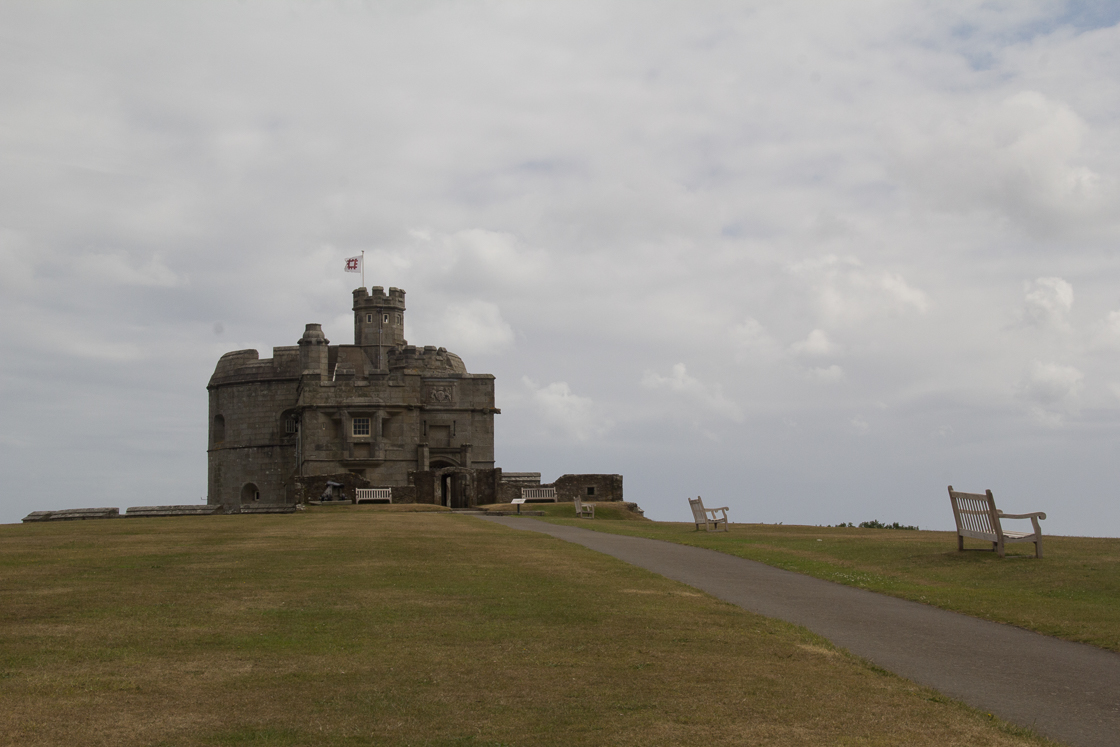
Submitted by Benjamin Rowe — Aperture64
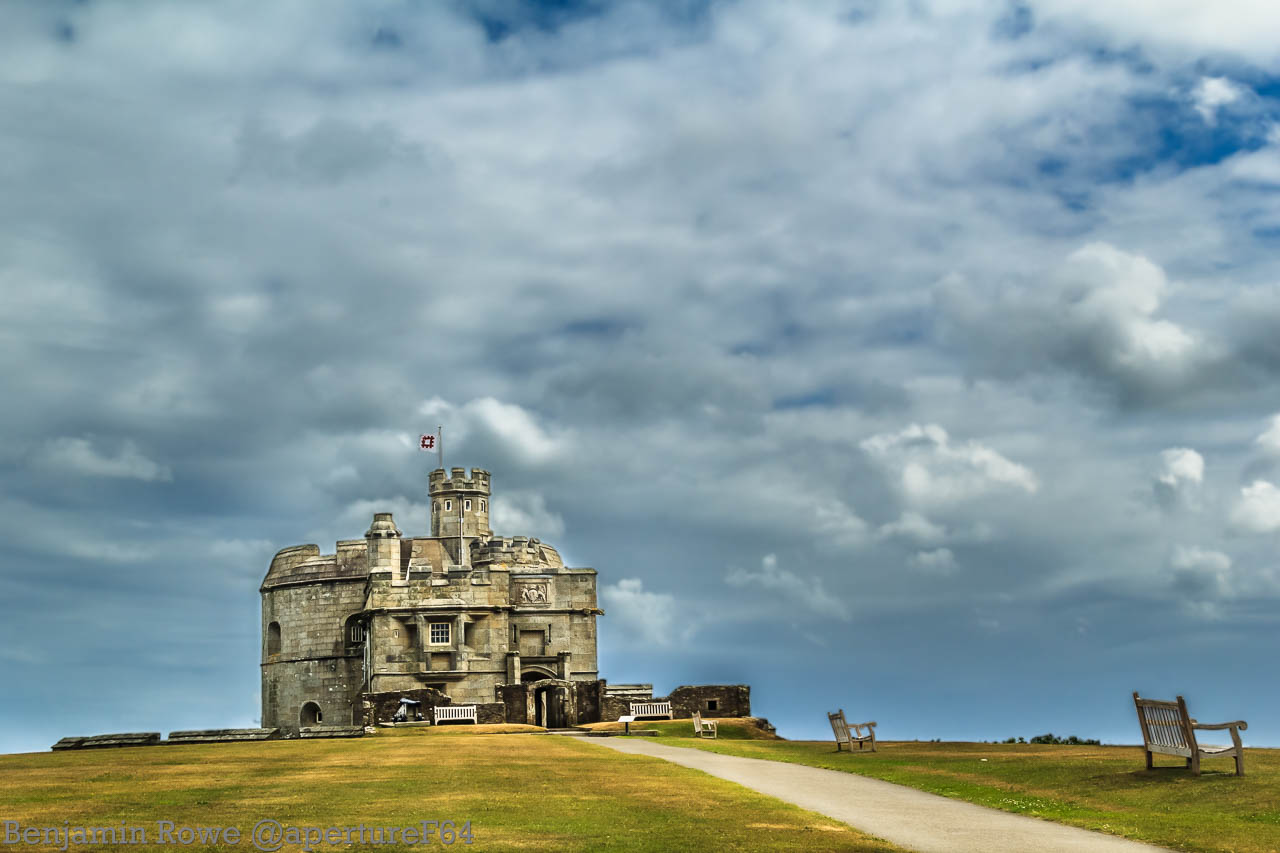
Ben says: I think it was obvious from uploading the bracketed shots that I was going to go for some sort of HDR. I solely used lightroom with this edit balancing the sky and foreground. I didn’t really do anything to fancy as the picture IMHO was strong in itself.
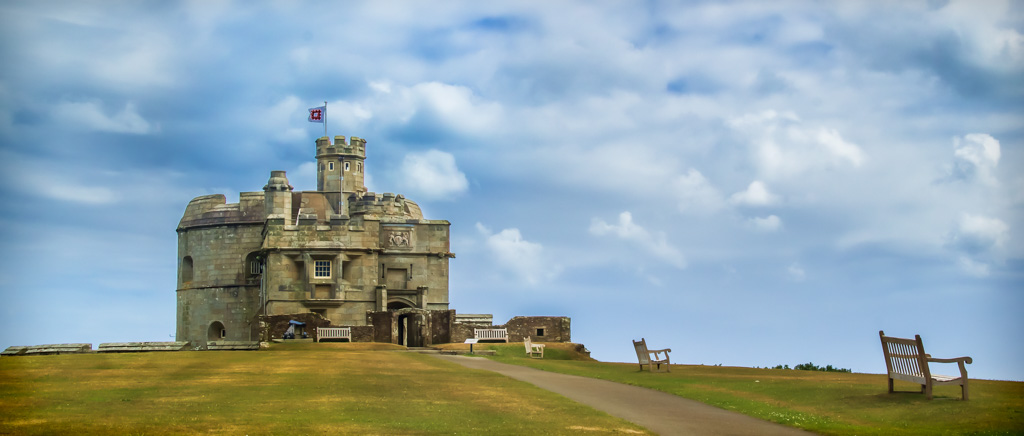
Submitted by Stacy Fischer — Visual Venturing
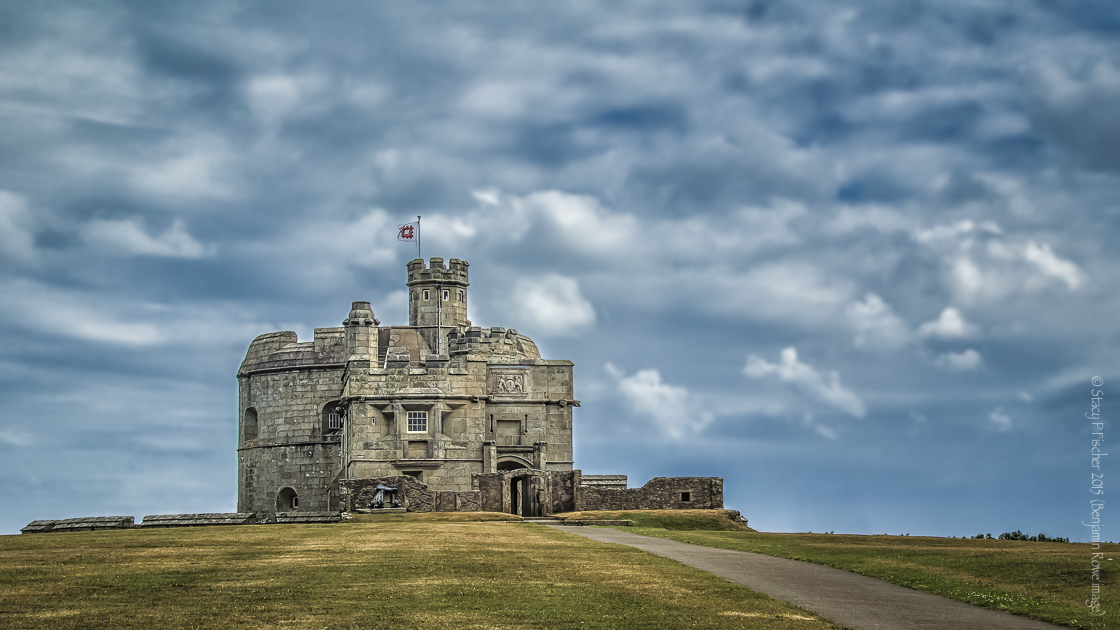
I have to admit, when I first saw Ben’s image, I wasn’t sure the direction I wanted to take it. So I just started playing around. I began in Lightroom, merging Ben’s three bracketed shots (thanks for that fun twist, Ben!) and following my usual workflow – lens correction, removal of chromatic aberration, choosing camera calibration setting of “Landscape,” applying noise reduction, and then applying a sharpening preset. I also spent some time removing dust spots from the sky, which appeared as I edited.
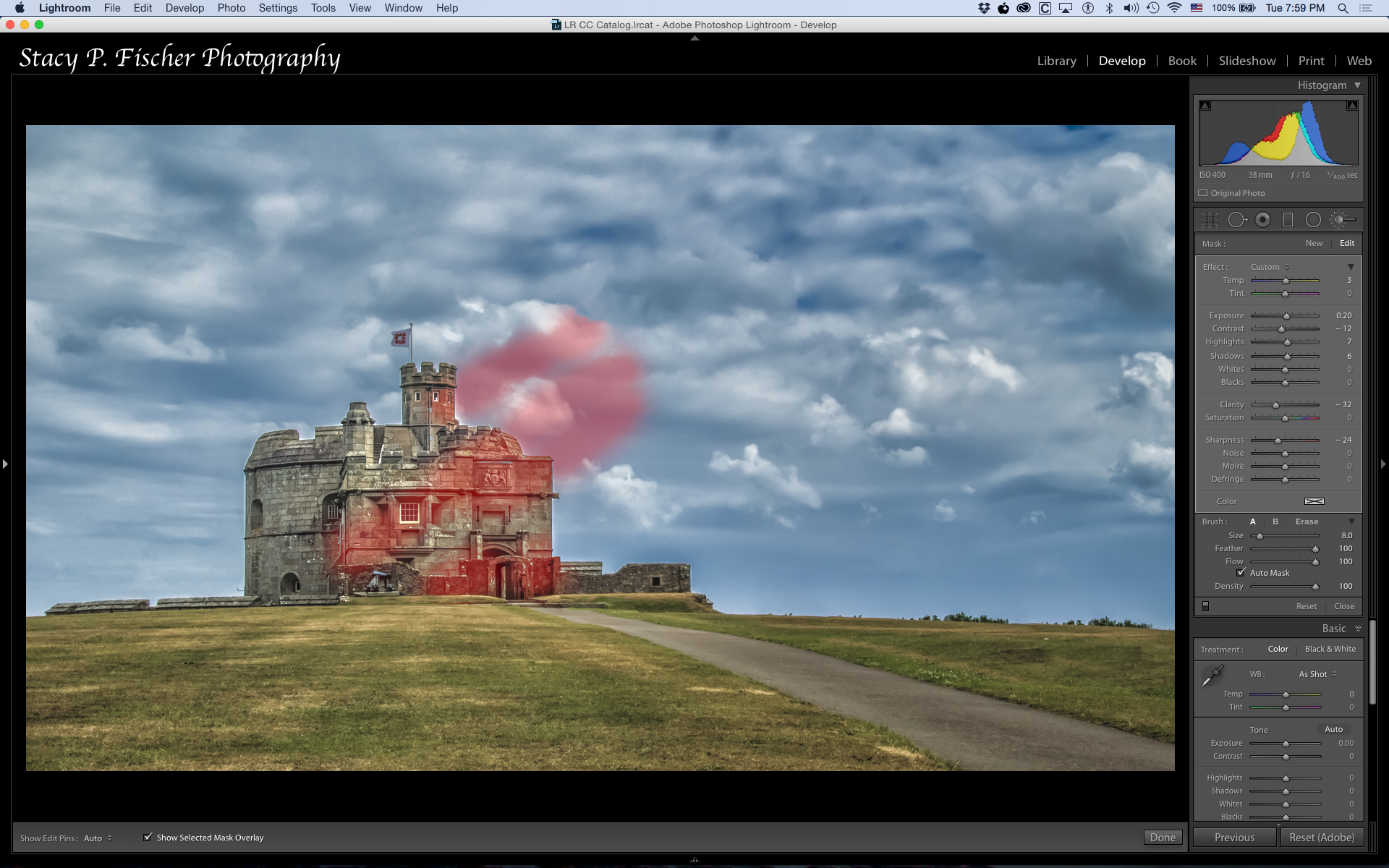
I followed up with Color Efex Pro, where I chose and tweaked two filters: detail extractor and tonal contrast (balanced). Back into LR where I applied two radial filters: one to darken the area around the castle; the second, to apply more adjustments to the castle (increased sharpening, highlights, and whites, opened shadows, and reduced noise). And last, taking a page from Emilio’s notebook, I used the adjustment brush set to a “sunlight” preset, which I tweaked (by decreasing its strength) and applied it to the scene (based on the position of the shadows cast by the benches):
As for cropping, I chose a 16×9 ratio, pulling the sides in a bit, and used the rule of thirds, placing the upper left grid point on the flag. I wanted to accentuate the sky more than the grass, as it was more visually interesting, and I wanted the entirety of the castle and as much of the top of the hill in as possible, to give the castle a more desolate (and to me) majestic appearance.
I also removed the benches. I’d like to say it was my idea, but I have to credit my hubby. When I was struggling a bit with where I wanted to go with Ben’s image, he took one look and said, “Well, if it were me, I’d take out the benches to make the scene look older” (or words to that effect). I used Lightroom’s spot removal tool (which performed beautifully), and once I did that, everything else fell into place. Thanks, Dave!
One last step – more noise removal. With all my edits, there was still quite a bit of noise in the sky. I tried something new this time: I took it into Photoshop, selected the sky, and used the noise removal filter, twice. That was a fun experiment and I was pleased with the result.
Thanks, Ben, for a wonderful image!
Submitted by Robin Kent — PhotographybyKent
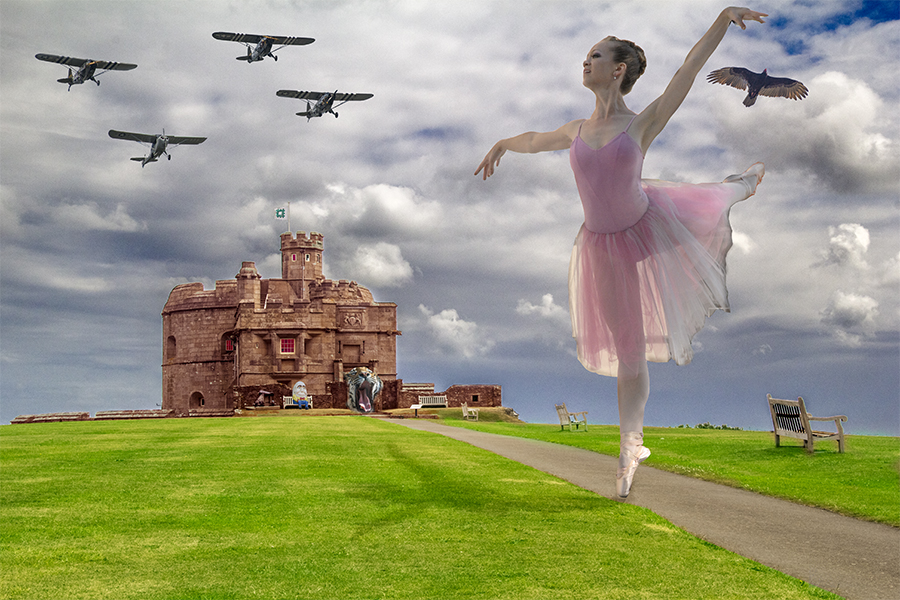
Submitted by Laura Macky — Laura Macky Photography
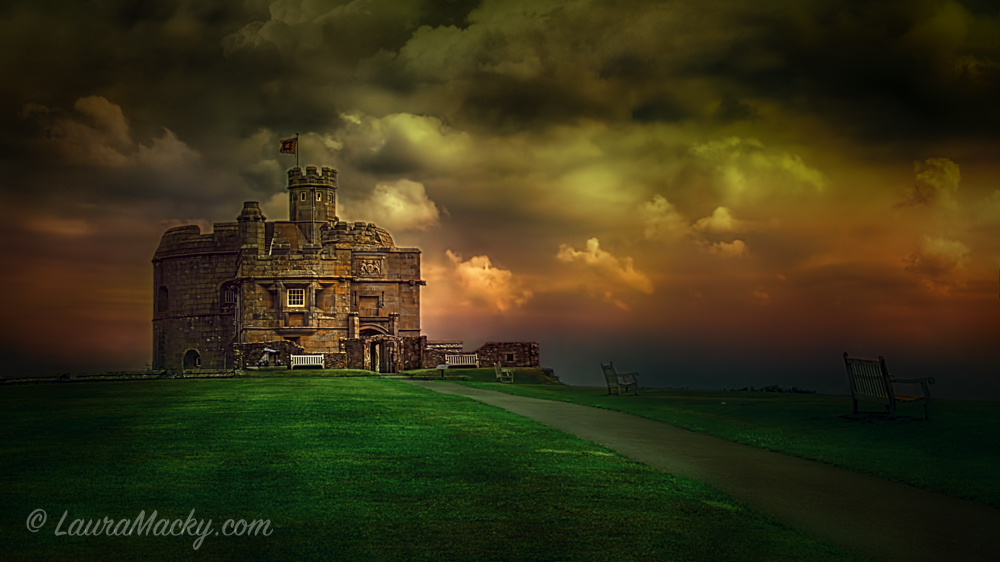
Laura says: My gosh I love this challenge. Please stop by my blog if you have a chance to see how I did it. Thank you!
Submitted by Brenda — A Meditative Journey with Saldage
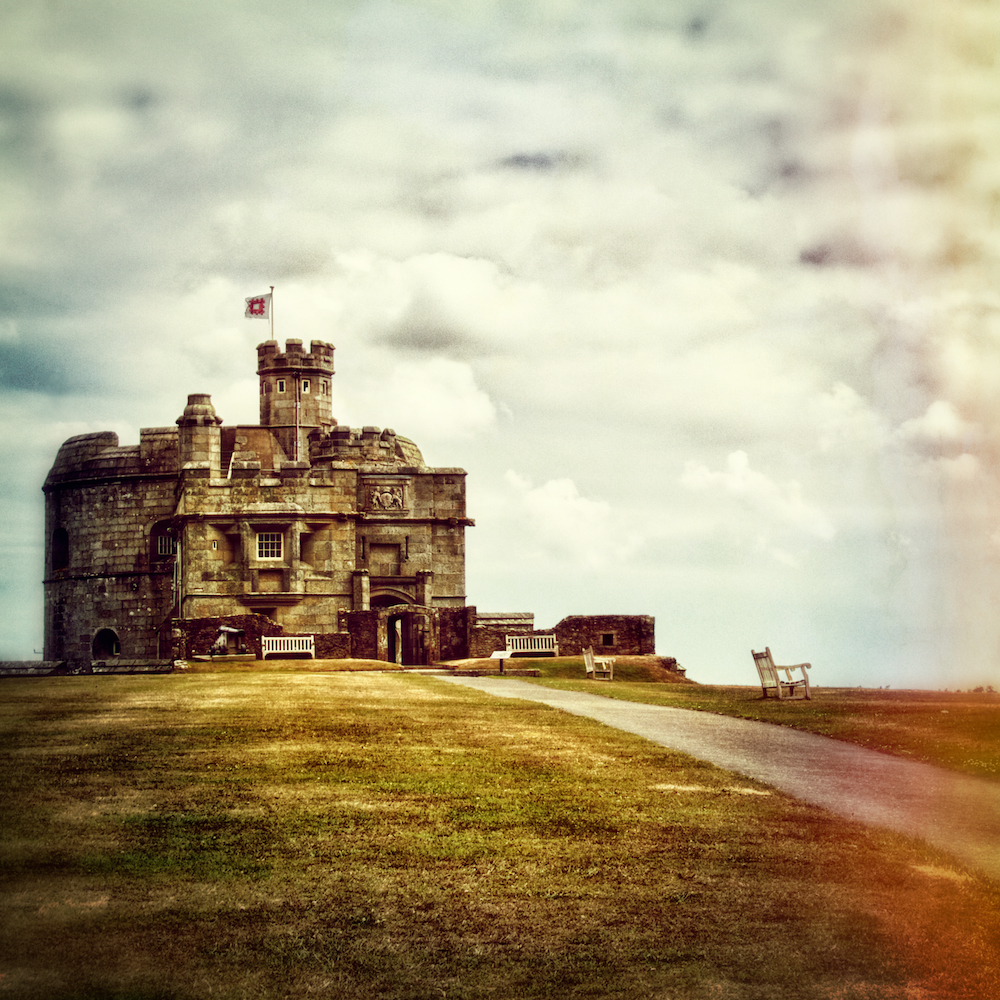
Submitted by Chris — sv-takeiteasy
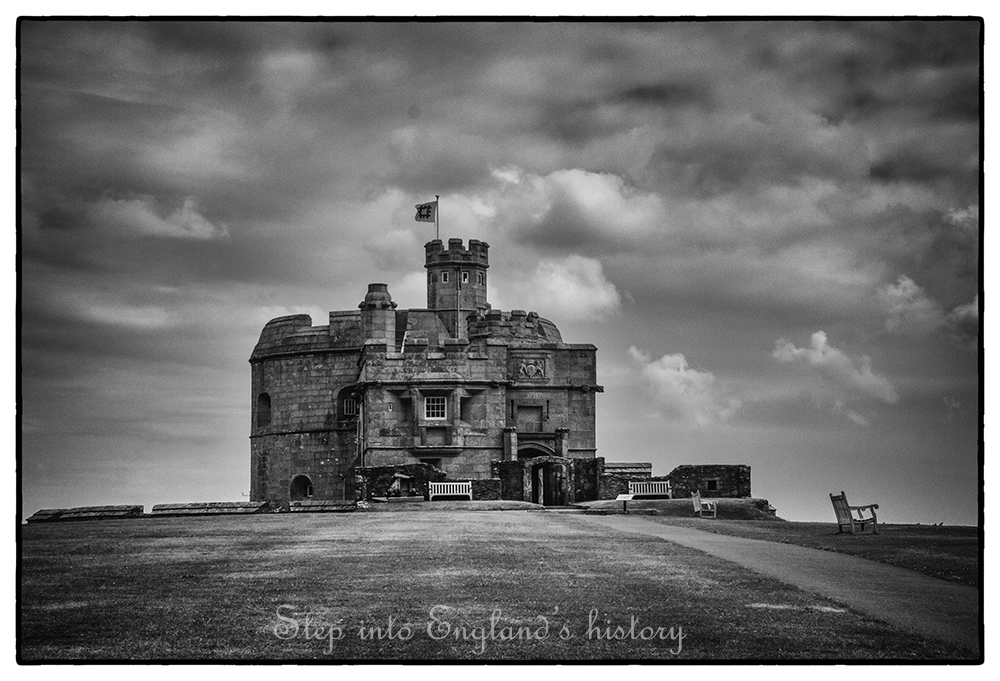
Chris says: I soon as I saw Ben’s photo, I thought this castle has so much history. I want to convert the image into B&W and bring out the details in the stones and the sky.
Submitted by Amy — The World Is a Book
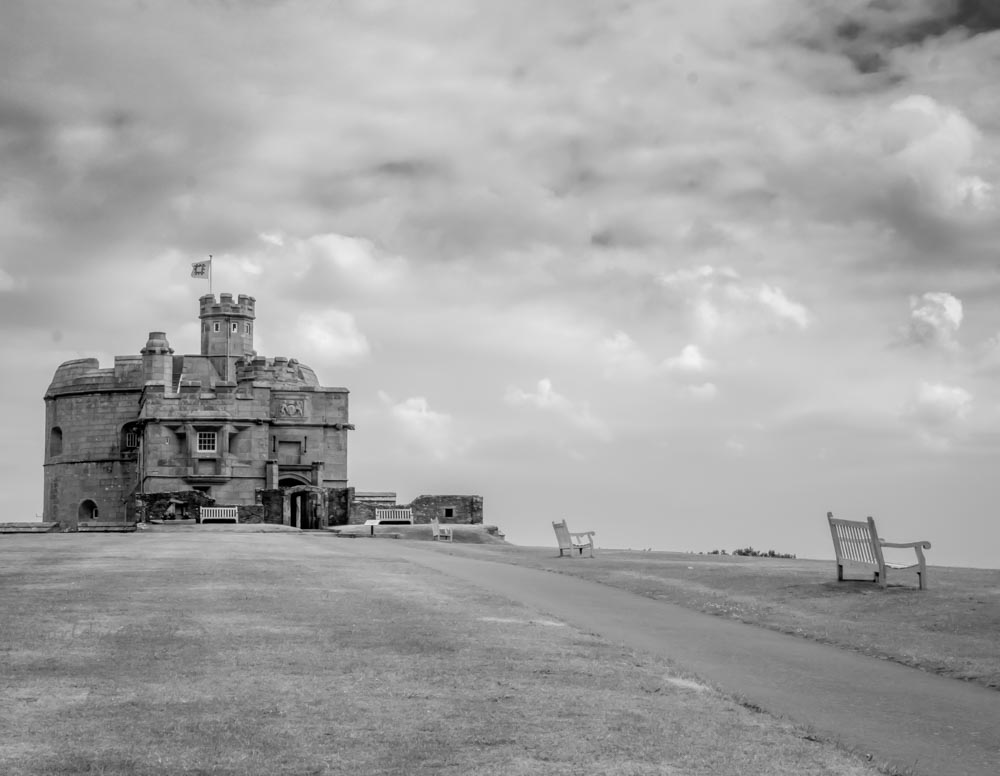
Amy says: I used LR for the basic editing, then moved to the Silver Efex Pro 2 and selected soft sepia, back to LR to make a few small adjustments and added a vignette (only 15).
Submitted by Ashleigh Pienaar — Through the Viewfinder
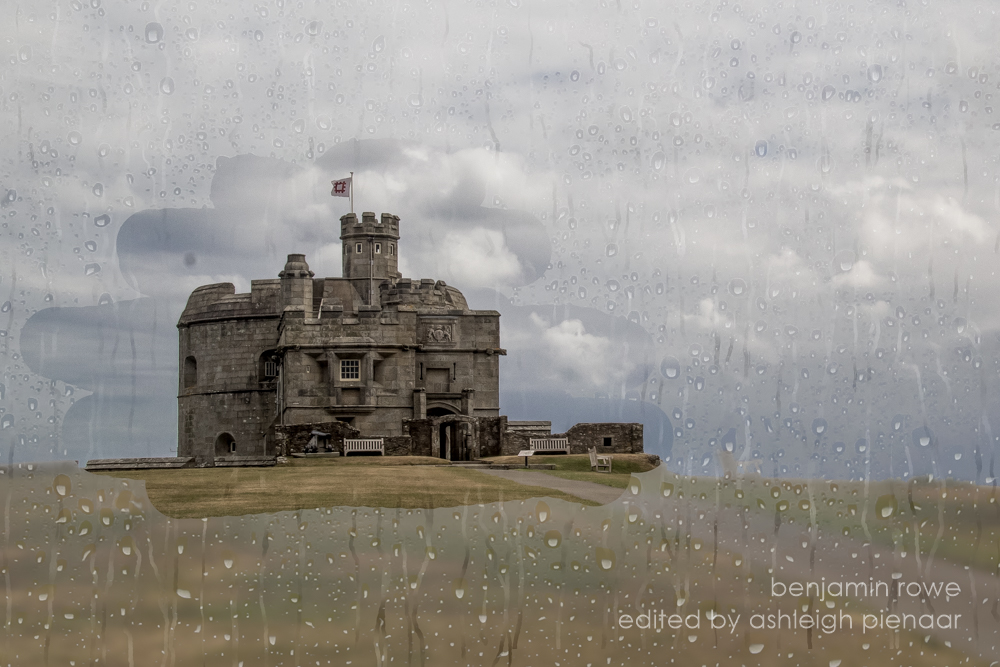
Submitted by Shannon Hart — Shannon’s Creative Work
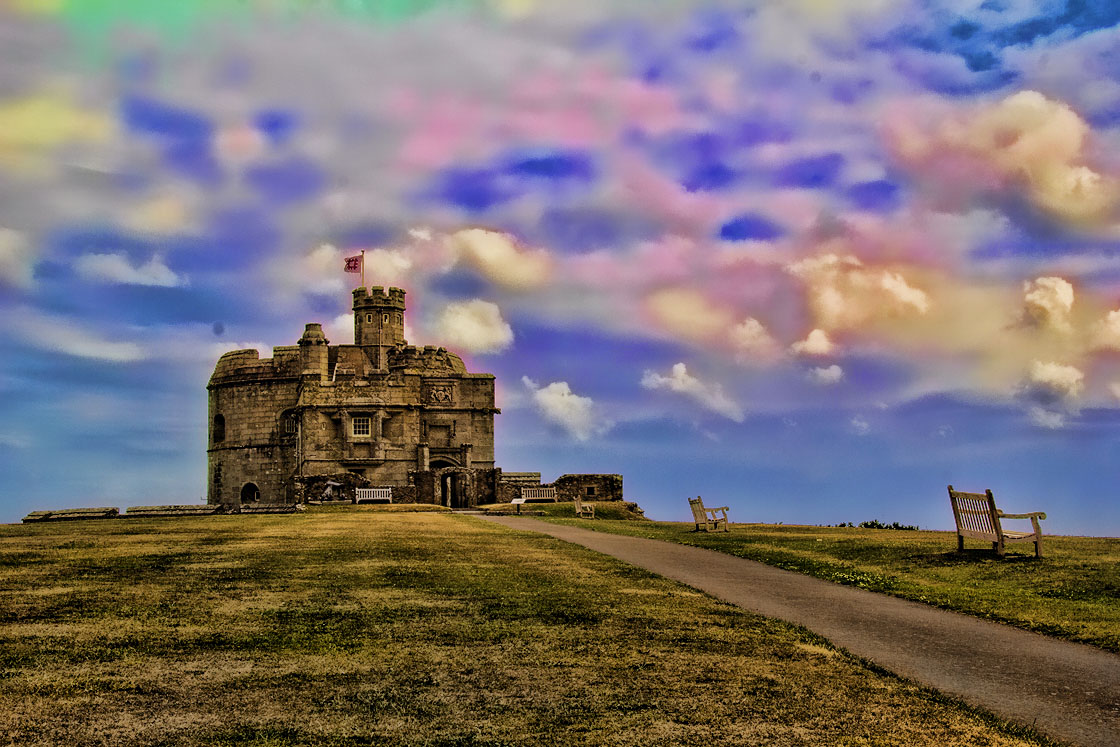
Submitted by Raewyn — decocraftsdigicrafts

Raewyn says: Here is my interpretation of Ben’s photo, edited in Photoscape.
Submitted by Lynne Ayers — Beyond the Brush Photography
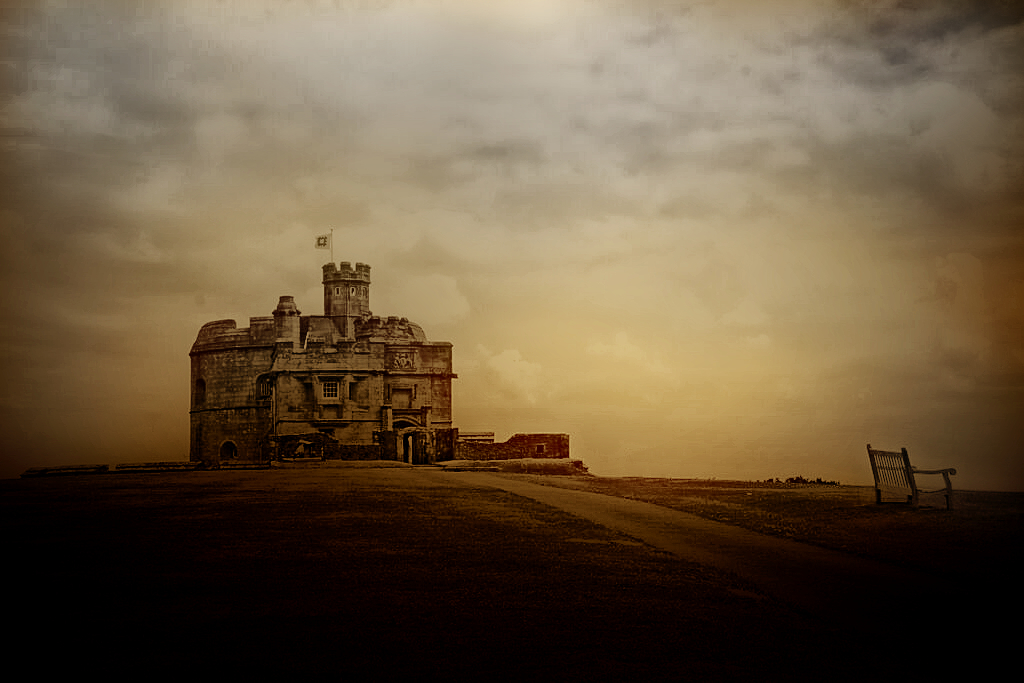
Lynne says: I had Wuthering Heights in my head when doing my editing 🙂
Submitted by Amanda Salina — The SnapShot Siren

Amanda says: I decided to make it a stormy scene, had a little noise trouble with the sky but I like the way the end result came out.
Submitted by Ted Griffith — Ted Griffith’s Photo Art Studio
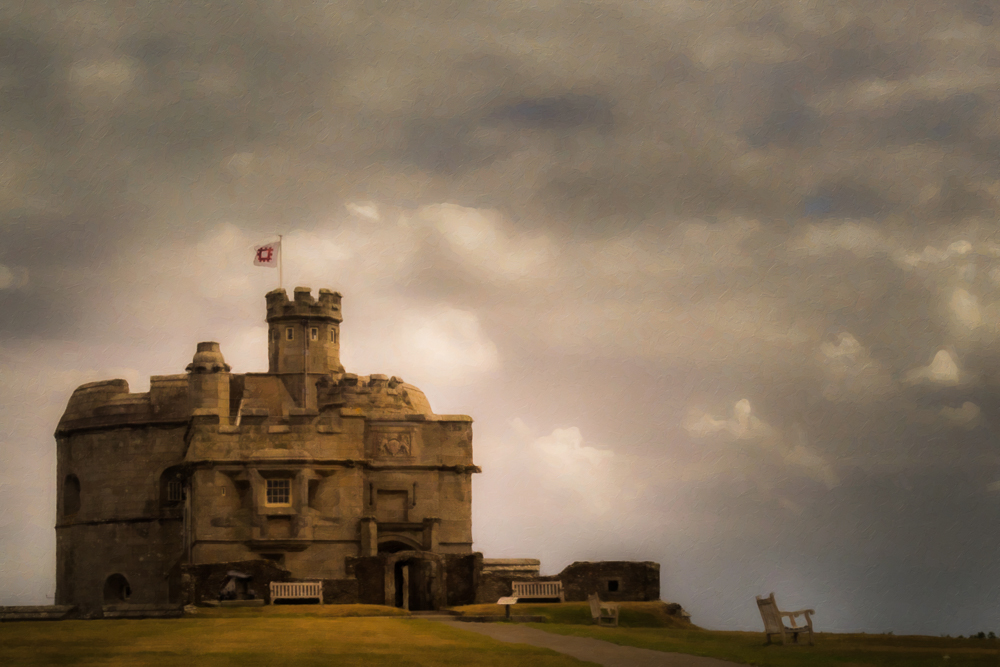
Submitted by Cee Neuner — Cee’s Photography
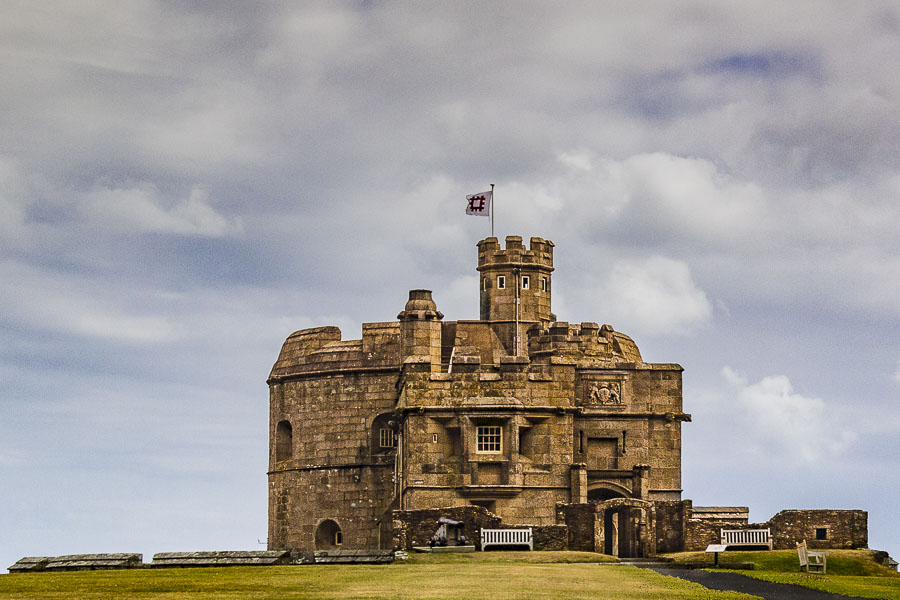
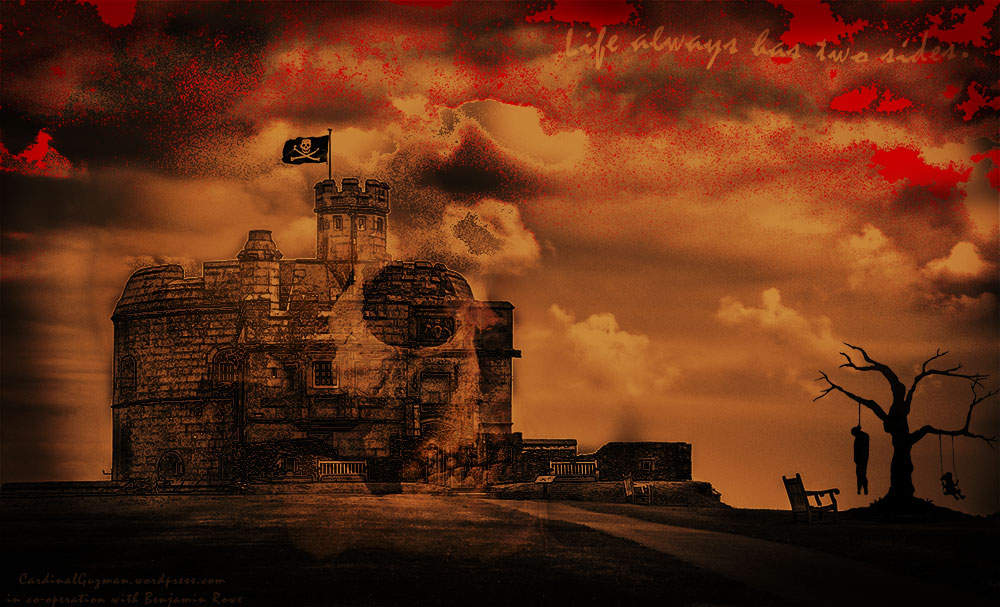
Submitted by Max — Cardinal Guzman
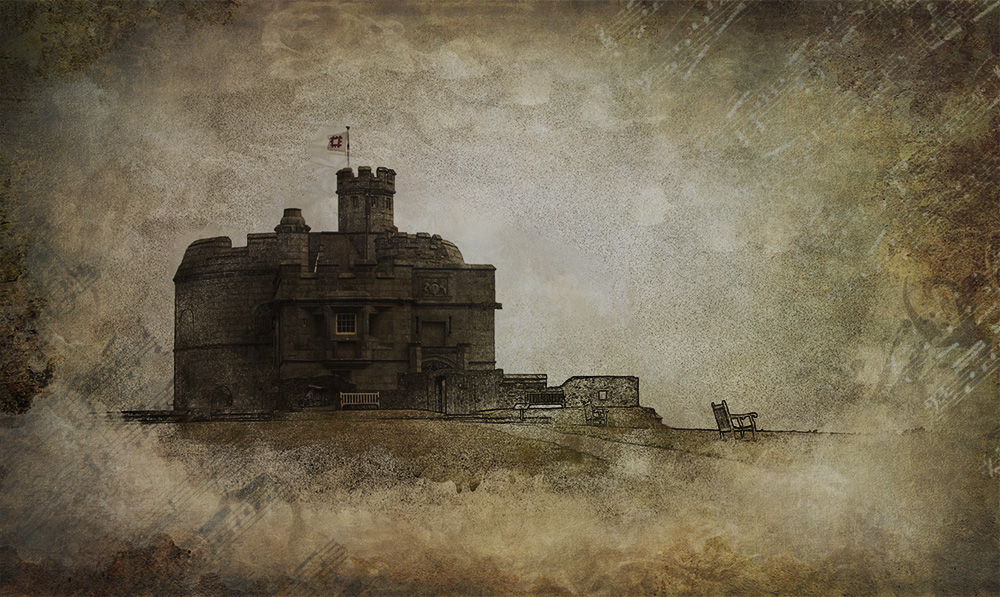
Submitted by Julie Powell — Julie Powell Photography
Submitted by Natalie — Middle Europe
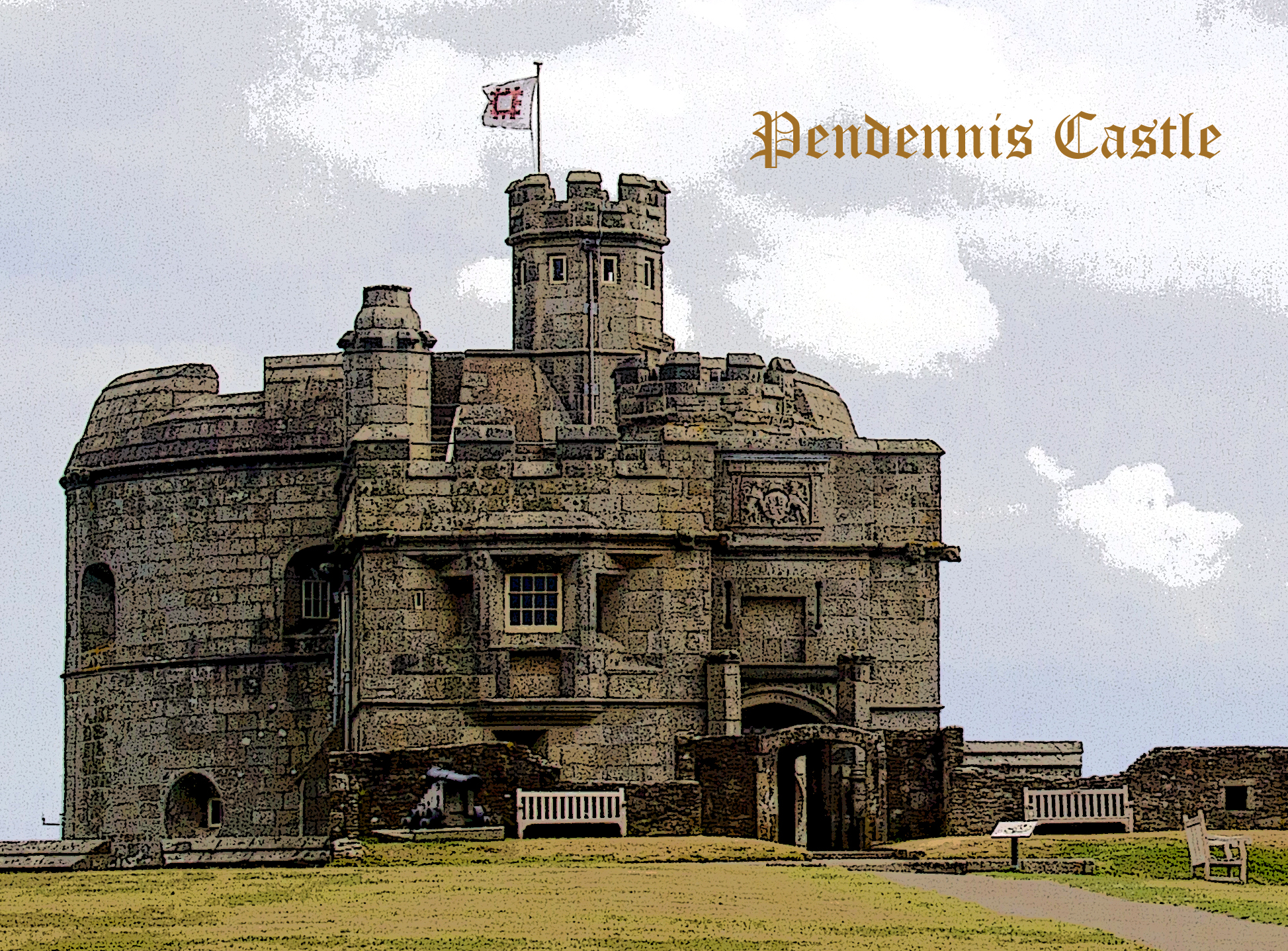
Natalie says: I love castles and old buildings. Often photos of monuments such as these can also be transformed into great line drawings.
Submitted by Robyn Gosby — Captivate Me
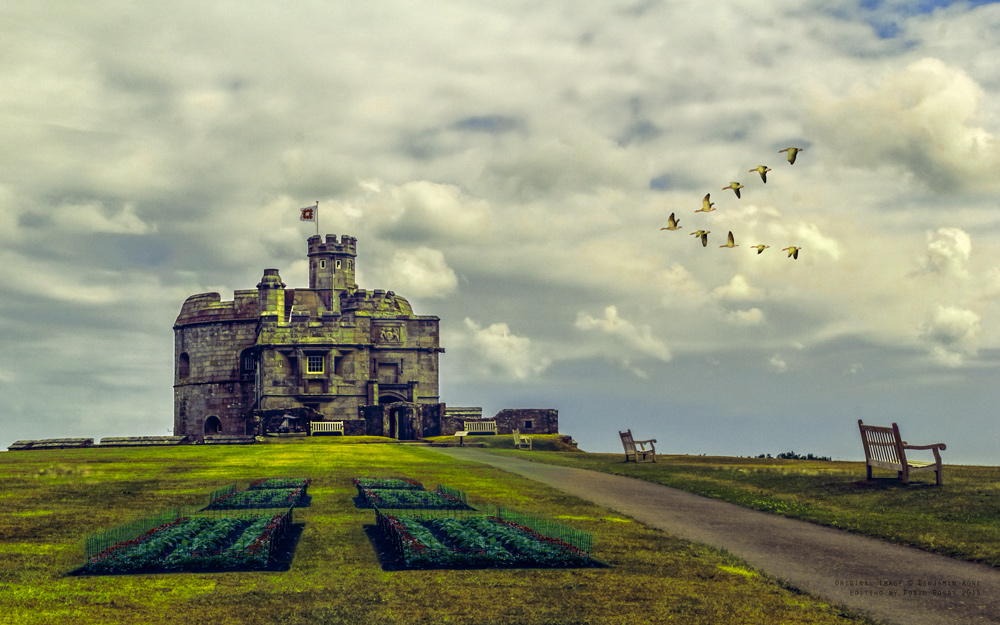
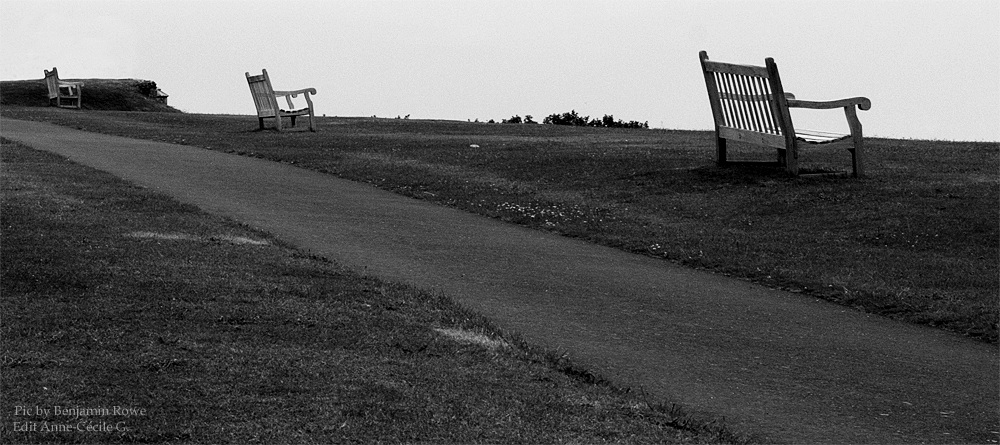
Submitted by Anne-Cécile — UnClicUnePhoto
Submitted by Nancy / dogear6— Living the Seasons
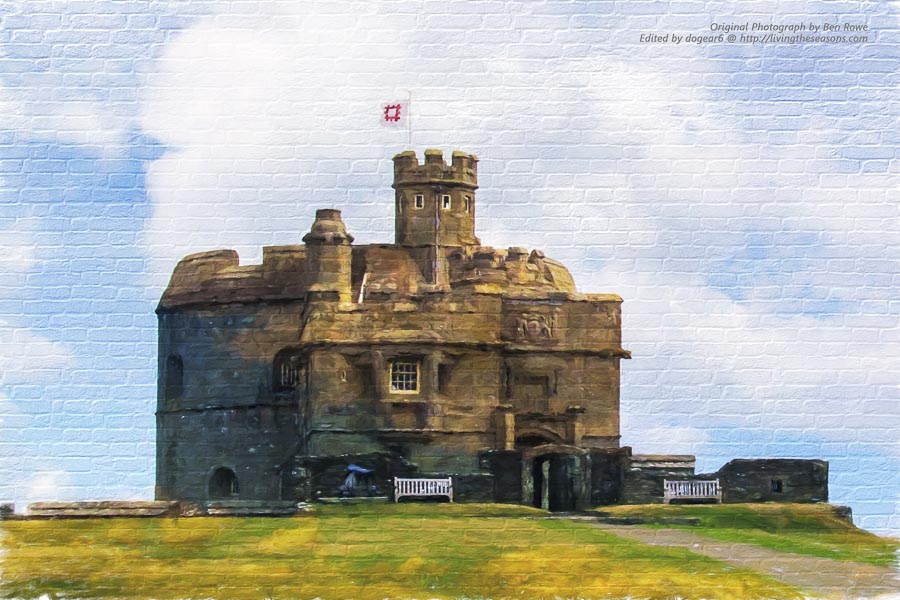
Nancy says: Thanks to Stacy and Ben for another fun time with ABFriday! The castle had so many great textures to it and so many possibilities! After doing some basic improvements in Lightroom (exposure, contrast, etc.), I spent some time cloning out some of the benches, a sign, and a piece of roof on the far right. I also cropped the picture to remove some of the grass and sky. I felt this cleaned out some clutter without significantly changing the picture.
As much as I enjoyed the detail on the building, I was drawn to an urban art filter in Topaz Impressions. I didn’t like the filter itself, but the idea was appealing. I found a different painterly effect that I liked and changed the background to brick, adjusting it until I got the size and texture that I wanted. So I created street art with Ben’s picture! The textures went away, but I really liked the lines and boldness of the final picture.
Lastly, I took the photo into onOne to find a border for it. As I experimented, I found a dynamic contrast filter that lighted and brightened up this picture even more (I never did find a border that I liked).
To see the original urban art, an experiment with Topaz Glow, and other experiment failures, visit my blog.
Submitted by Kaz G. — daysandmonths
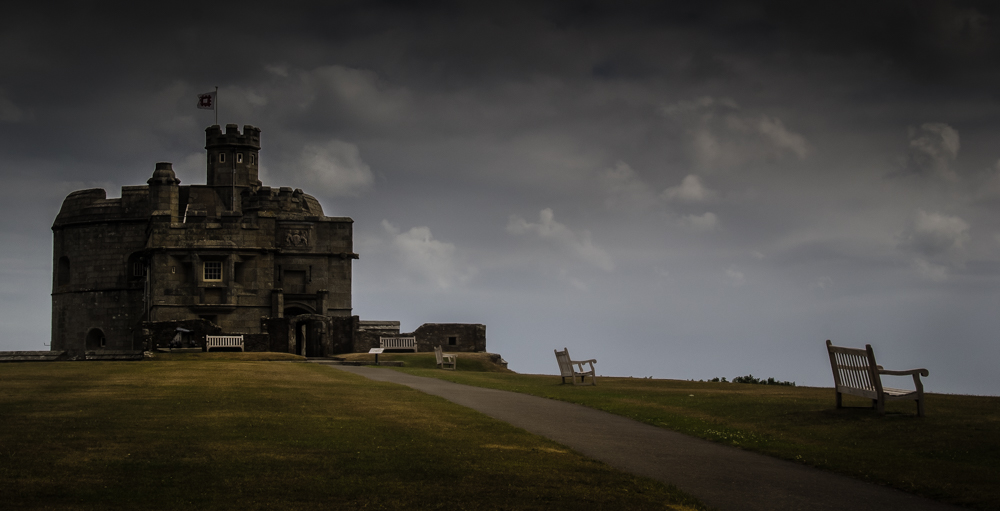
Kaz says: I really enjoyed the photo and using the three images was a great idea which is the way I decided to go. I wanted to place emphasis on the foreground chair and cropped the image to bring the castle and bench seat in more snugly together. I added a graduated filter to dramatise and darken the sky somewhat and give some richness to the grass. A mask here or there to lighten parts of the castle and doorway were also used and I did lighten the chairs minimally to try to make them stand out a little more. Lastly a slight vignette to darken the edges and I was done.
Overall a really enjoyable afternoon spent playing with Ben’s photo.
Submitted by Mary Hone — Tales from the Backroad
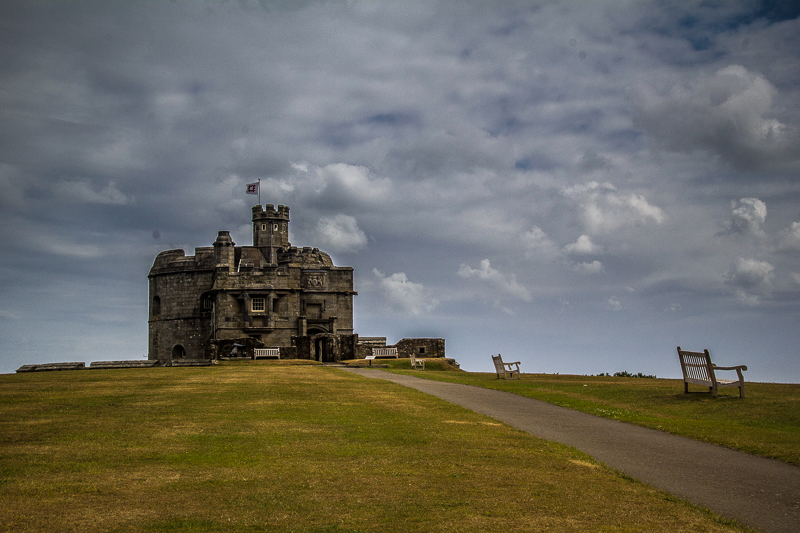
Submitted by Bren Ryan — Ryan Photography
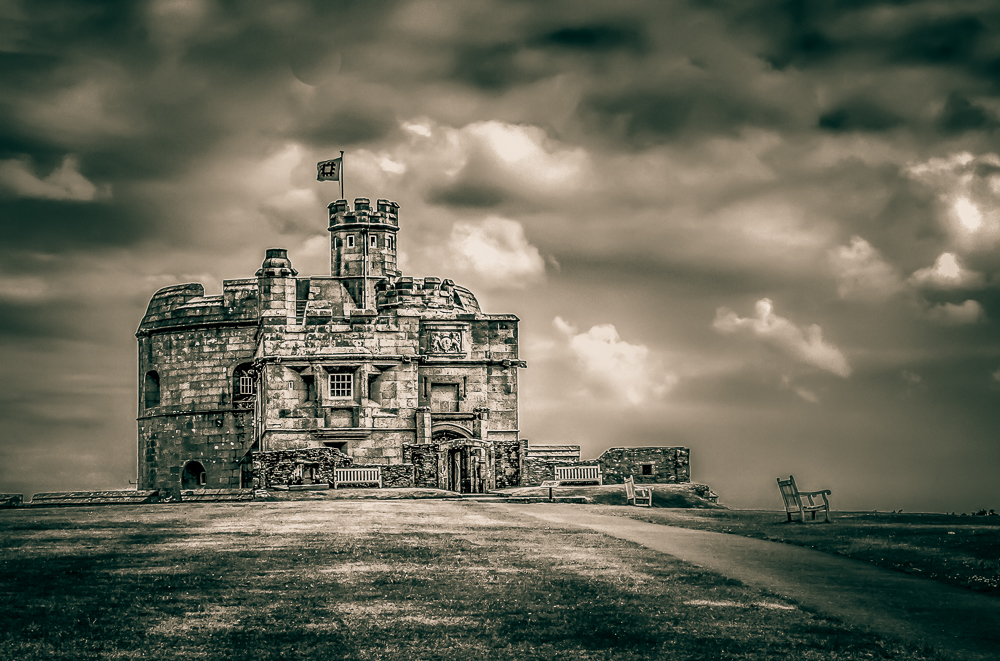
Bren says: I processed the image using three bracketed photos in Photomatix Pro and then converted the image to black and white. I enhanced the clarity of the castle, cropped the image and then added an cyan/yellow split tone.
Submitted by Loré Dombaj — Snow’s Fissures and Fractures
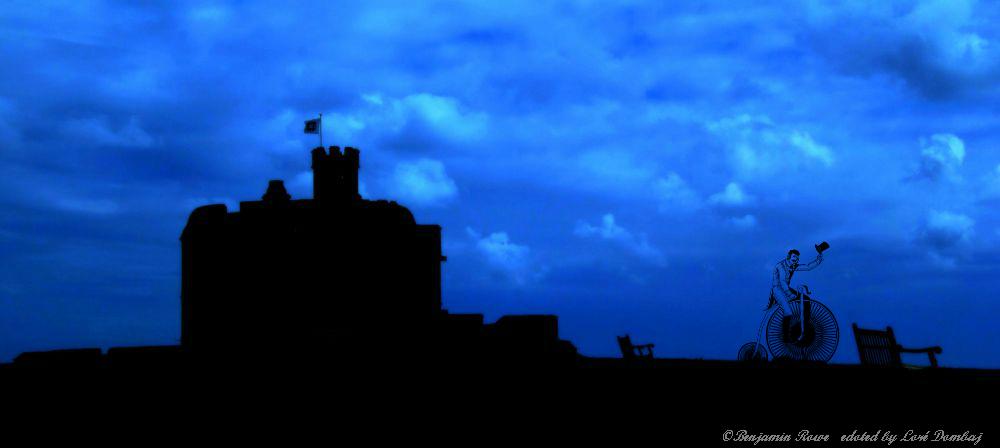
Loré says: One Photo Focus offers so many great edits…not just great, but stelar versions. That’s why I always go in a crazy direction, trying to offer something new, unexpected. Because, sometimes the only way to make a difference is to be a little bit crazy.
Submitted by Marsha Leith — CoolQuilting
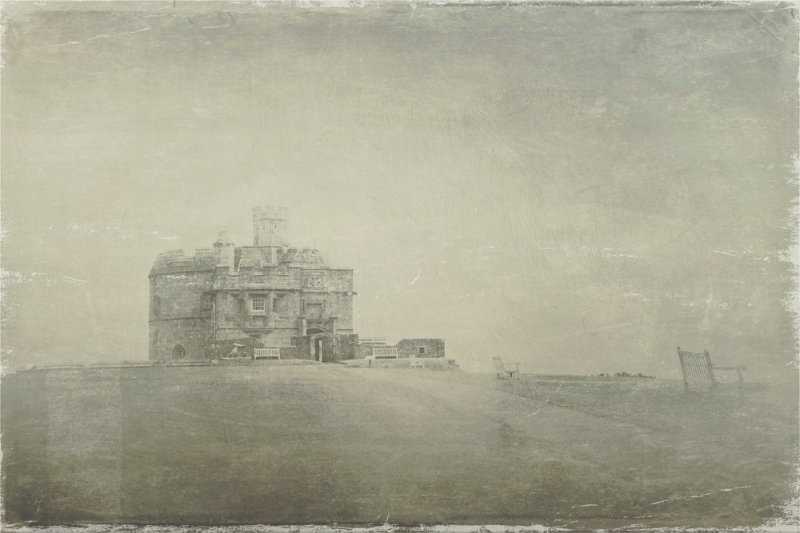
Marsha says: Edited on the iPad with Filterloop and Formulas apps.
Submitted by Yan Balczewski — From Hiding to Blogging
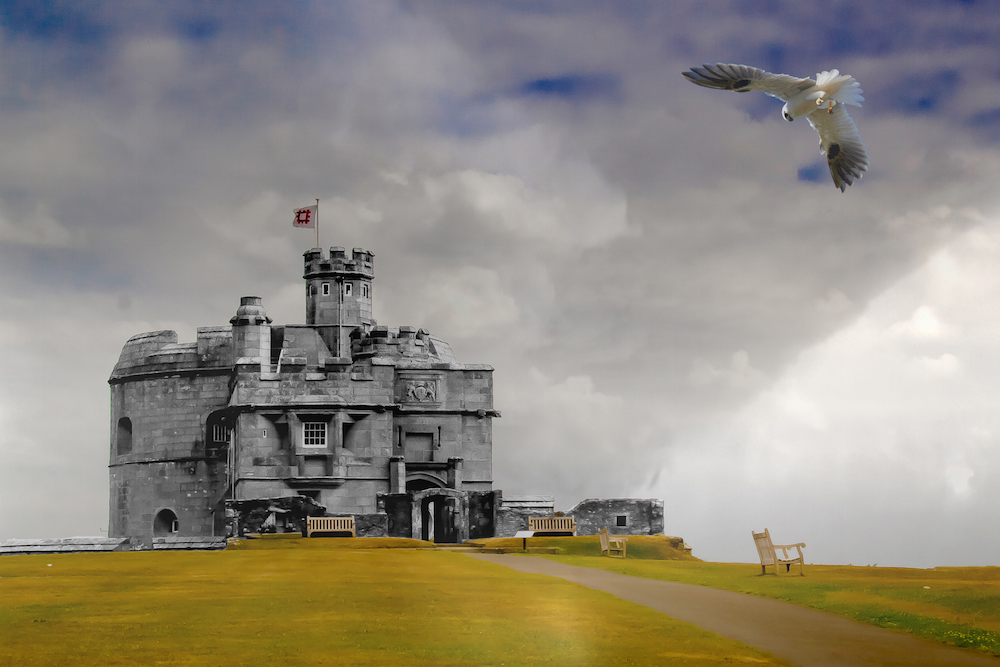
Submitted by Katie Prior — Drawing with Light
Katie says: Thanks to Ben for this month’s image. I wanted to try out a new technique (to me) and replace the sky to create a bit more drama. Check out my post to see how I got on.
Submitted by Emilio Pasquale — Photos by Emilio


Please click on the links of those who contributed this week, to read about their post-processing steps and/or to see what other treasures they have on their blogs. They’d love to have you visit!
So what do you think of the ABFriday forum?
Feel free to leave your thoughts and suggestions in the comment section. And don’t forget to view the guidelines if you want to participate. I’d love to have you onboard!
 Visual Venturing
What a great picture to edit, I will have to find out more about this man. I like how we had very similar images in the end. Could I say great minds.
LikeLike
Hahaha, Ben 🙂 I know – I was struck by the similarity too. It’s kind of cool to know I was “seeing” what you saw.
LikeLiked by 1 person
Such a creative photo focus series, Stacy! A bunch of creative photographers here. A great monthly theme for us to learn. 🙂 I like your processing result, the composition and clouds are great. 🙂
LikeLike
Thanks, Amy! I think everyone had fun with Ben’s image 😀
LikeLiked by 1 person
🙂
LikeLike
Such great edits! It’s amazing how lightroom transformed it in your and Ben’s version. Will have to try to learn to use it! Thanks for another great one photo focus post.
LikeLike
There is such a fun array 😃 As for Lightroom, I did venture out of it a bit this time, but I always work to get the best image I can in that program before moving to any other (if it’s needed). It’s truly a wonderful program. Thanks, Natalie!
LikeLiked by 1 person
Congratulations on the record number of entries. I loved looking through them as usual, and what a great array of perspectives on the castle scene. I’m feeling very far away from becoming a Post Production Princess, looking at all the submissions.
LikeLike
Thanks! As for becoming a PPP (how do you like my shorthand?), one step at a time … 😃 Though I should take my own advice and apply that to learning Photoshop. I even signed up for a self-paced course a few months ago – know where I am in it? Haven’t even begun!! Sigh …
LikeLike
I’m so cranky I missed this month but what an amazing collection of “perspectives”! 🙂
LikeLike
We missed you too, Joanne! And I agree 🙂
LikeLiked by 1 person
Another great month of submissions! Some are really interesting, a few a bit scary (eep), but all in all a great collection of edits everyone!
LikeLike
Hey, Nic! I agree. I do so love seeing everyone’s unique takes 🙂
LikeLiked by 1 person
Many great interpretaions of Ben’s photo(s). Thanks for hosting this Stacy. I like the post-processing that you’ve done.
LikeLike
Thanks, Max. So glad to have you onboard this month!
LikeLike
I’m glad I could make it. Hopefully I can participate next month too!
LikeLike
Great collection, Stacy. It is always an eye opener to see the different interpretations and quite an inspiration.
Thanks for the hard work of hosting and thanks to Ben for letting us play with his image!
LikeLike
I always love opening up everyone’s emails, Chris! Thanks so much for participating 🙂
LikeLike
Wonderful interpretation from everybody !
About me, Hope back to play next month…
Ciao ciao
Max
LikeLike
Looking forward to your return, Max!
LikeLiked by 1 person
I didn’t even think about taking out the benches. I like you edit a lot. You brought out the colors nicely. Thanks for all your efforts to get this challenge out. It must take you forever. 😀
LikeLike
I’d like to think I would have ultimately come up with that idea on my own, but I’m not so sure 😉 Thanks, Cee! And you’re very welcome. I can’t imagine all the time it takes you with all the challenges you run and all the comments you get!
LikeLike
Oh wow Stacy. I ADORE your edit. The sharpness is fantastic!! Thanks for doing this challenge. I’m off to look at all the others’ blogs. 🙂
LikeLike
Thanks for that, Laura! Seems Ben and Emilio and I all took it in the same direction 🙂 It was definitely a fun challenge! I’m quite a few hours behind you, but I’m off to look too 😀
LikeLiked by 1 person
You’re welcome! That castle begged to be detail extracted or unsharp masked or sharpen overlay or however you did it lol!
LikeLike
Awesome stuff again! Thanks for all your hard work.
LikeLike
Thanks, Mary. And you’re very welcome!
LikeLike
Another great selections of edits for the One Photo Focus Stacy!
I love the freshness you have in your edit, helped with the detail you have brought out from the sky and I totally agree with Mr Stacy about those benches! Nice work Stacy! 🙂
LikeLike
LOL, Katie! At first I thought “Mr. Stacy” was an autocorrect fail – and then I got it 😂 Yeah, I’m losing it a bit 😜. I see you and he were on the same page! I’d like to think I would have come up with the idea on my own … but I’m not certain if that! Thanks 😀
LikeLiked by 1 person
Another great edition. Thanks for giving us all this great playground and thanks to Ben for a really good image to work with.
LikeLike
My pleasure, Robin, and I know it was Ben’s as well 🙂
LikeLike
What a fantastic gallery!
Thanks to you Stacy for hosting and to Ben for the wonderful image to play with. I really enjoyed this one.. and seeing what everyone has created. Congratulations all.. So inspiring 😃😃
LikeLike
Thanks for playing, Robyn! It’s always a pleasure to have you 😀
LikeLiked by 1 person
Thank you 😃
LikeLike